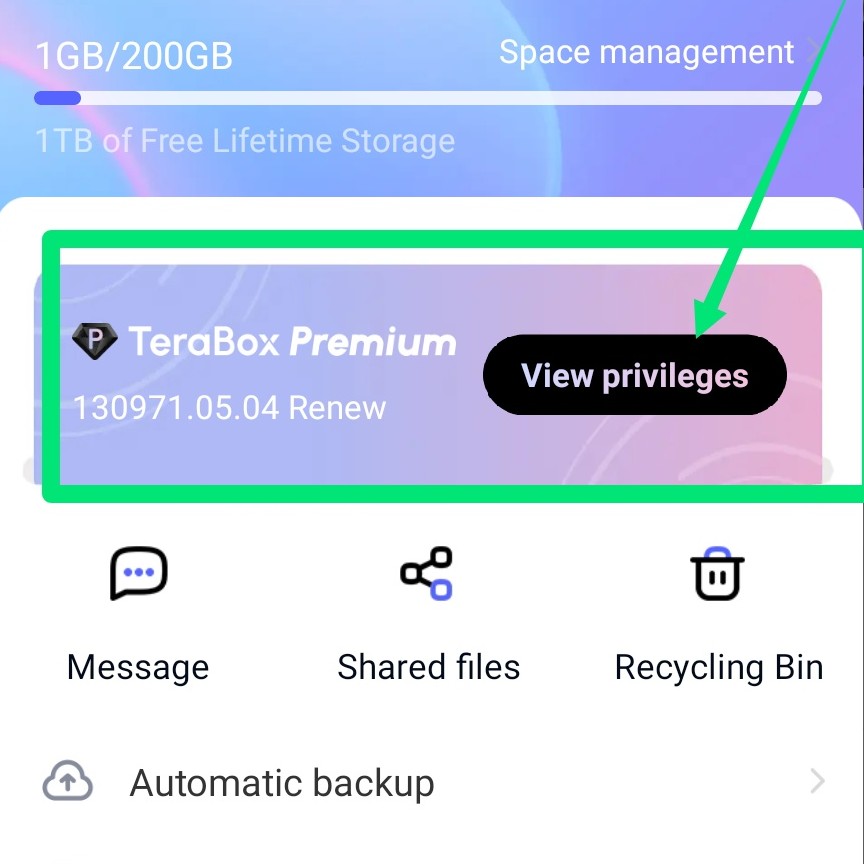
First download the Terabox app from Play Store
Apps Link:
Download and install the Terabox app
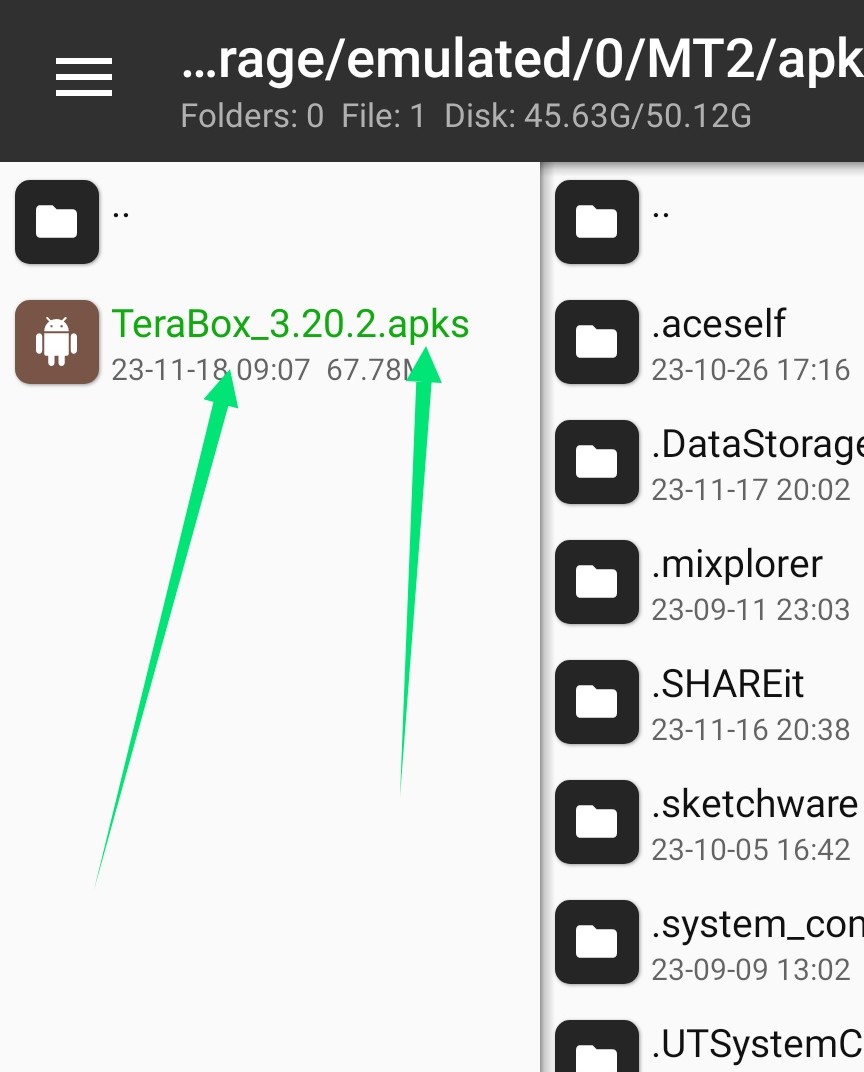
Then open Mt manager
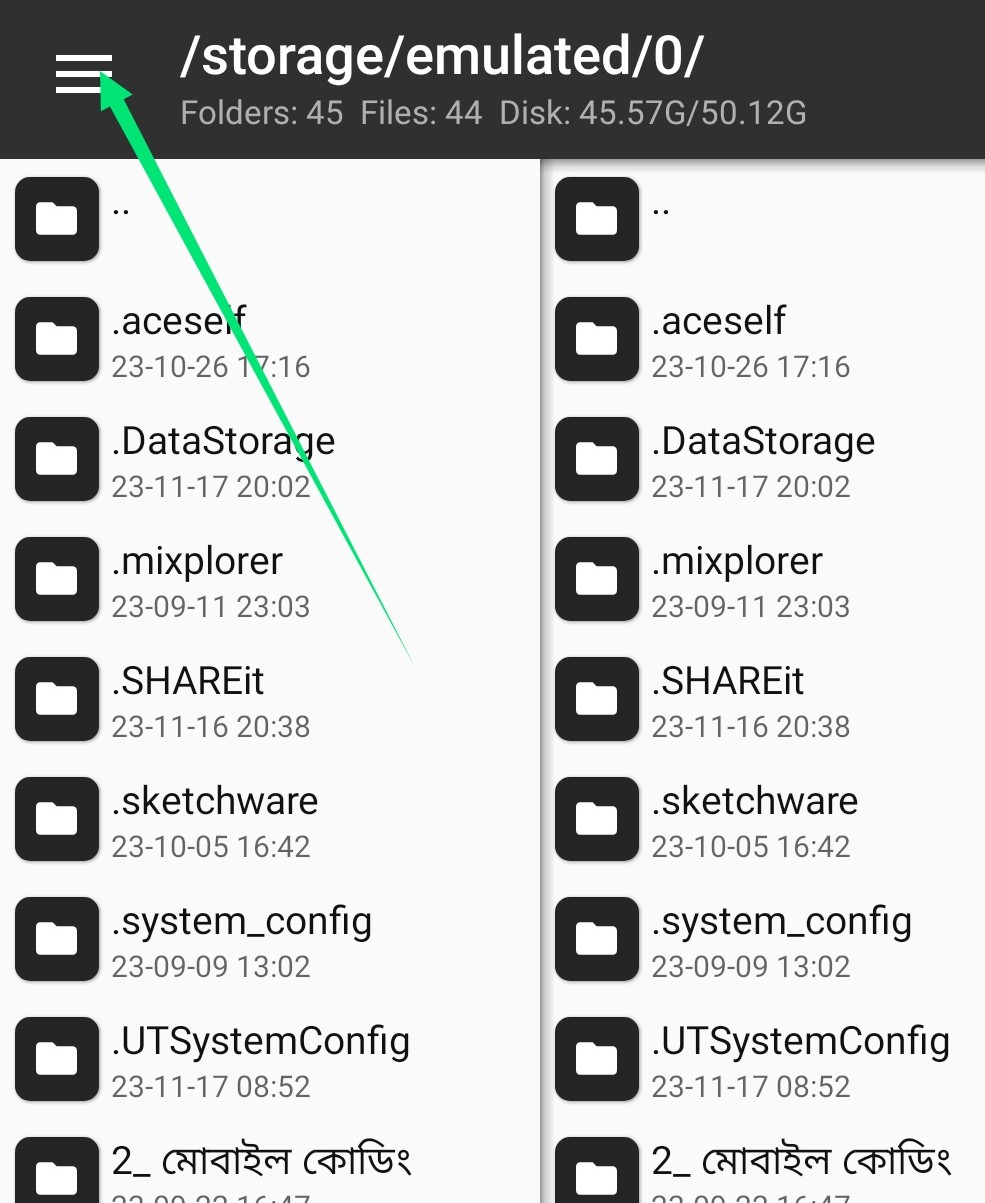
Click on the top left side
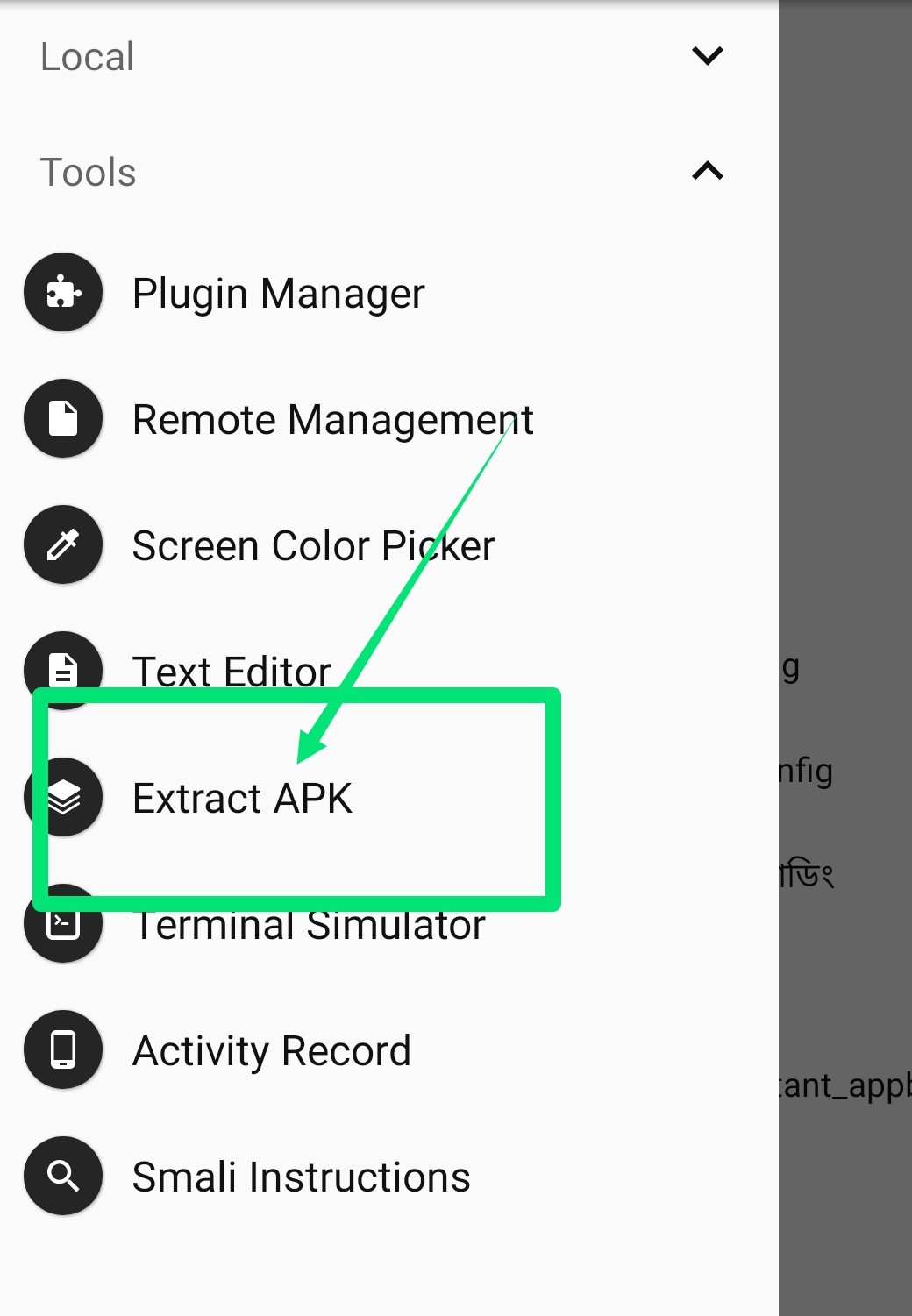
Click on Extract Apk
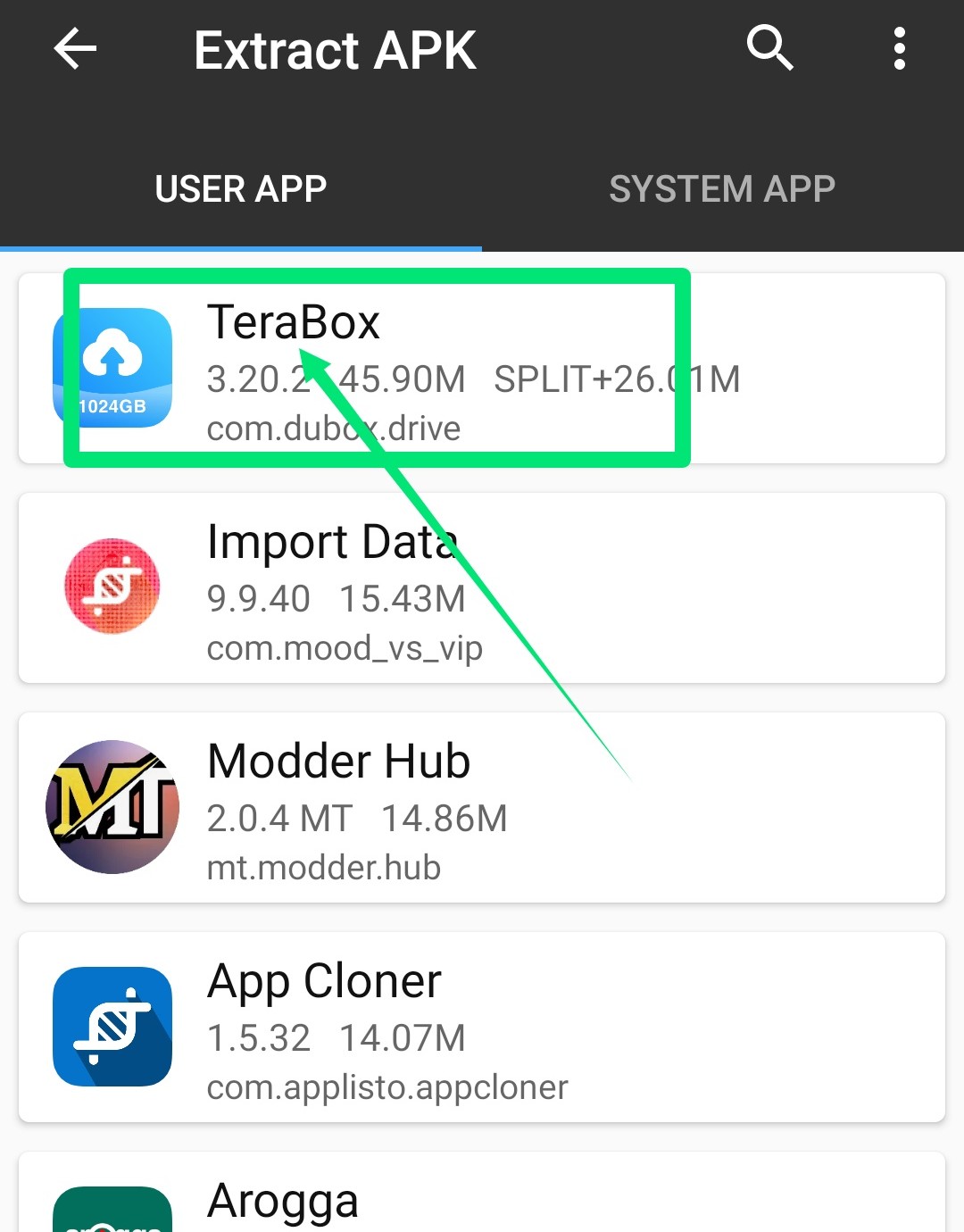
Click on Terabox apps
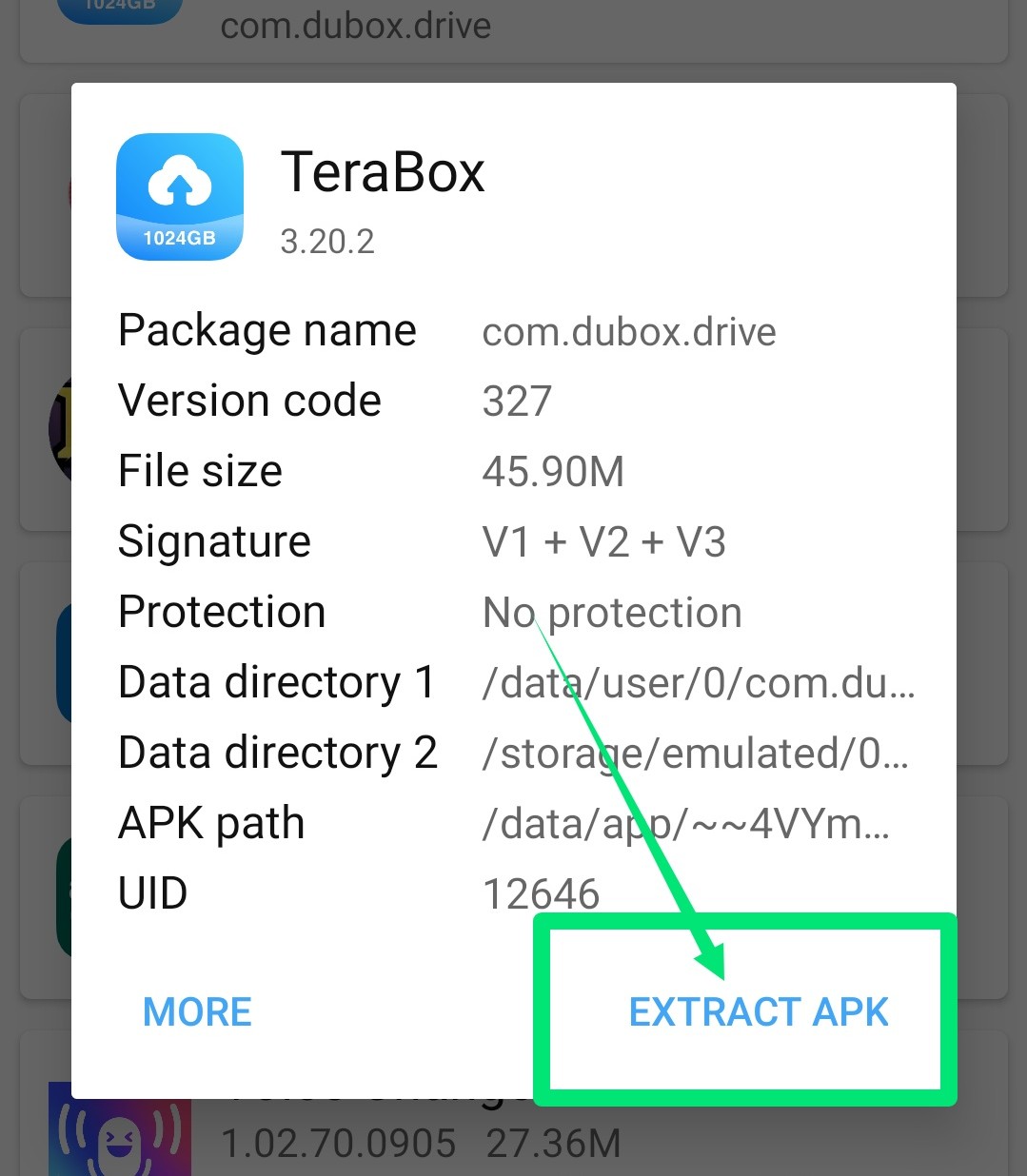
Click on Extract Apk
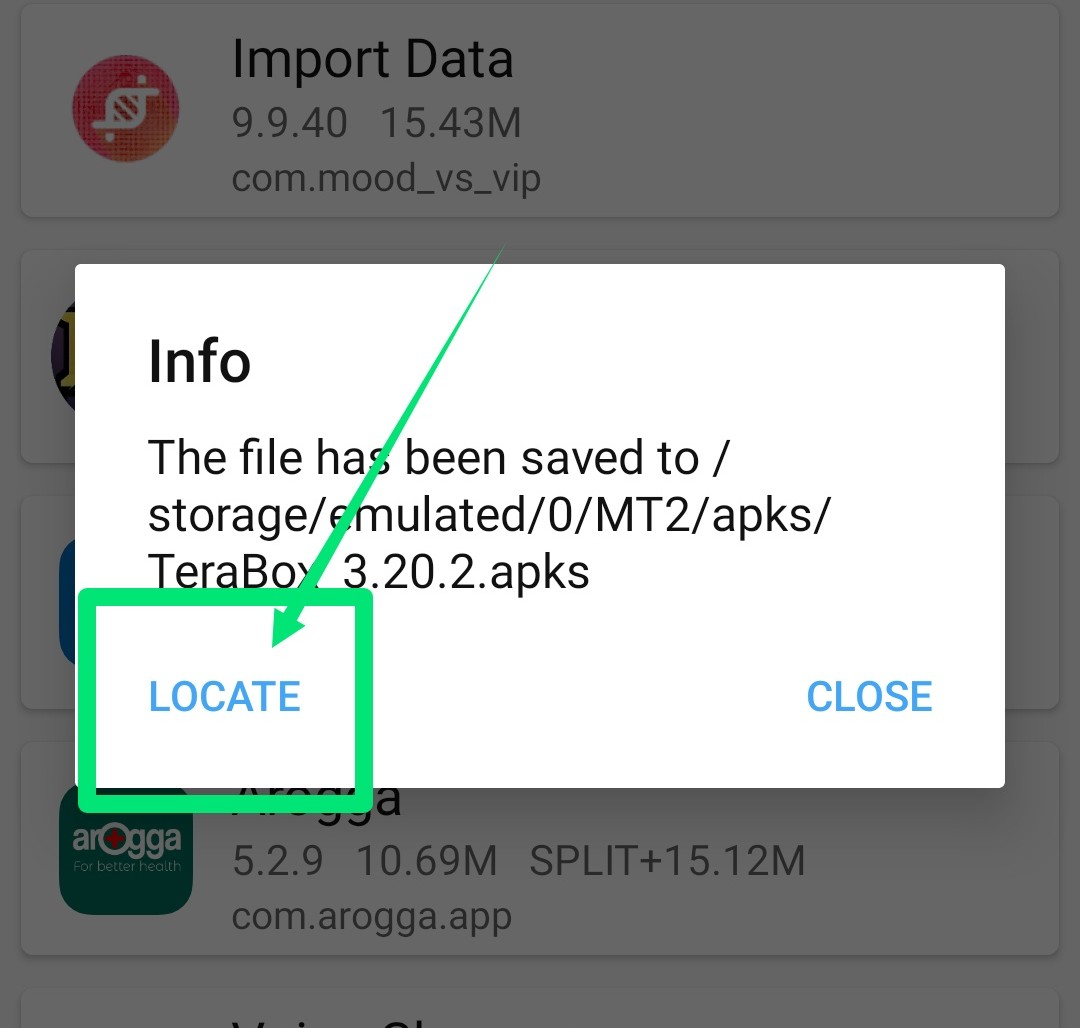
Click on Locate
Now enter Np manager to convert Terabox apks to Apk
Open Np manager
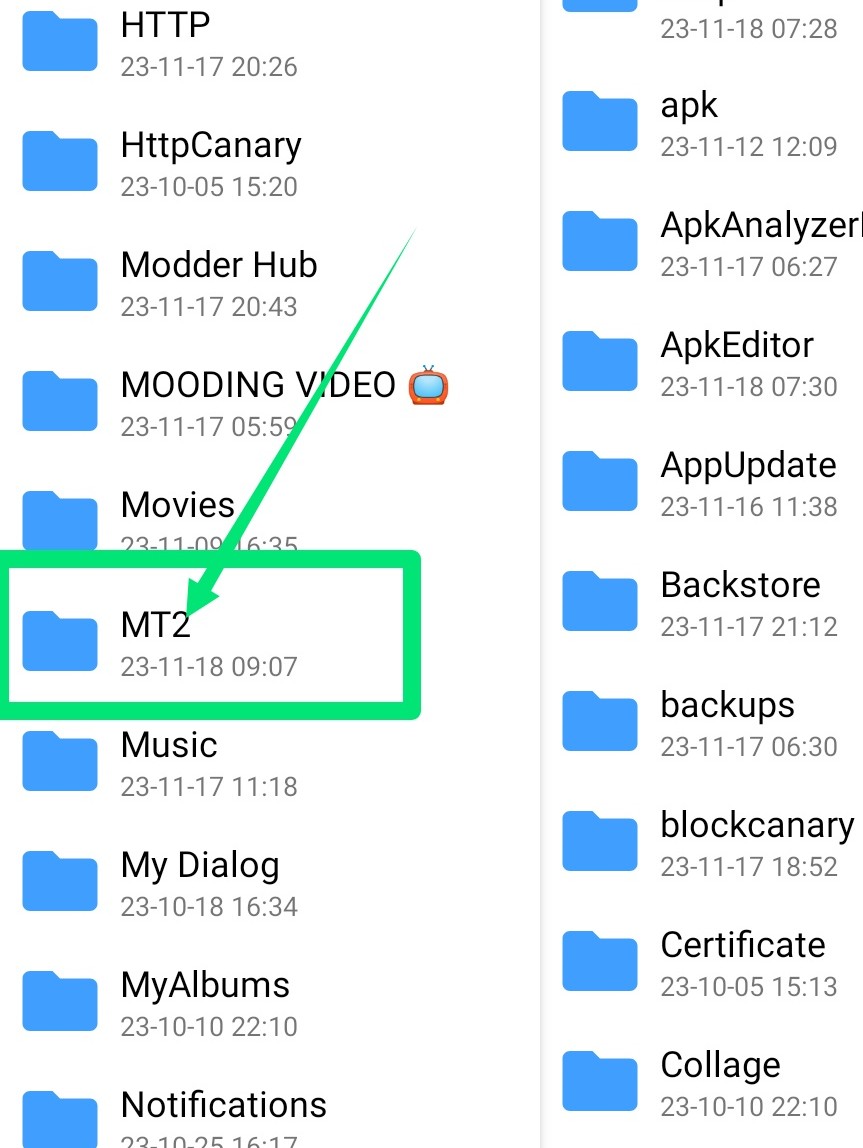
Enter the Mt2 folder
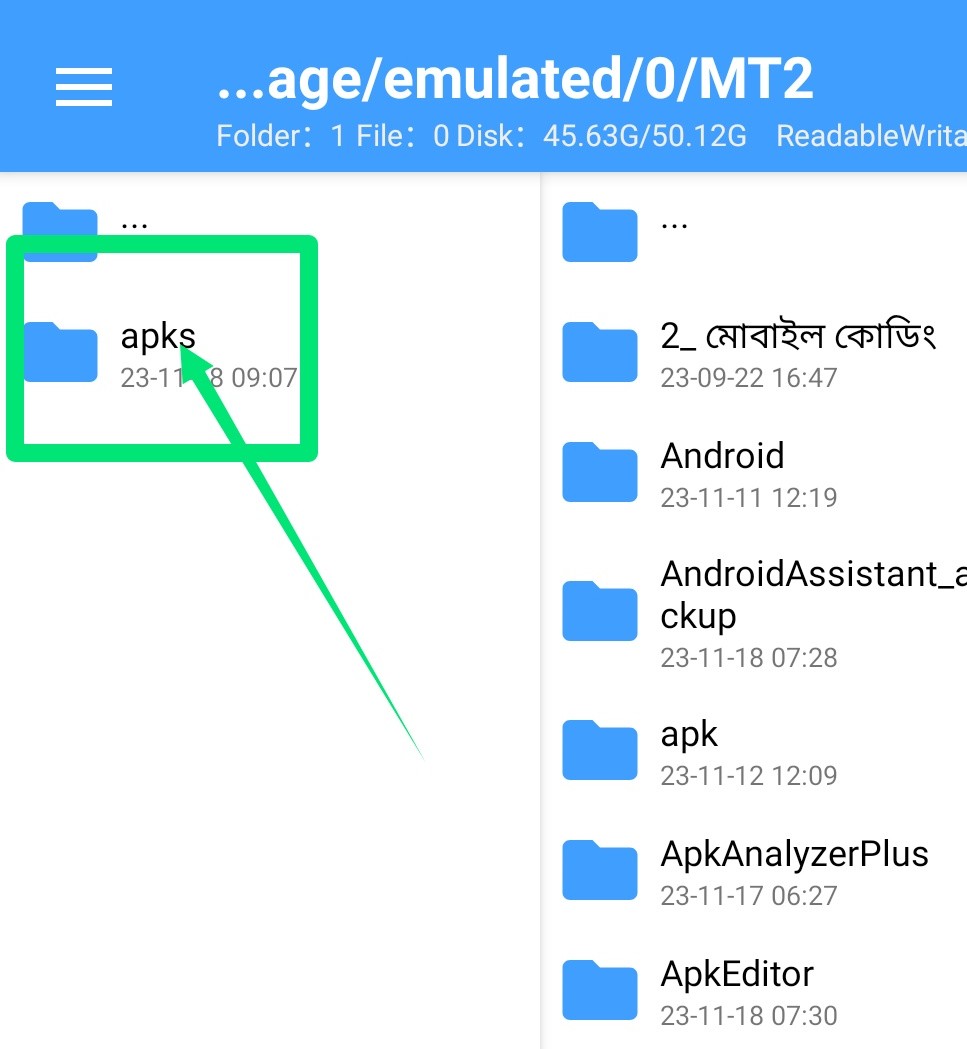
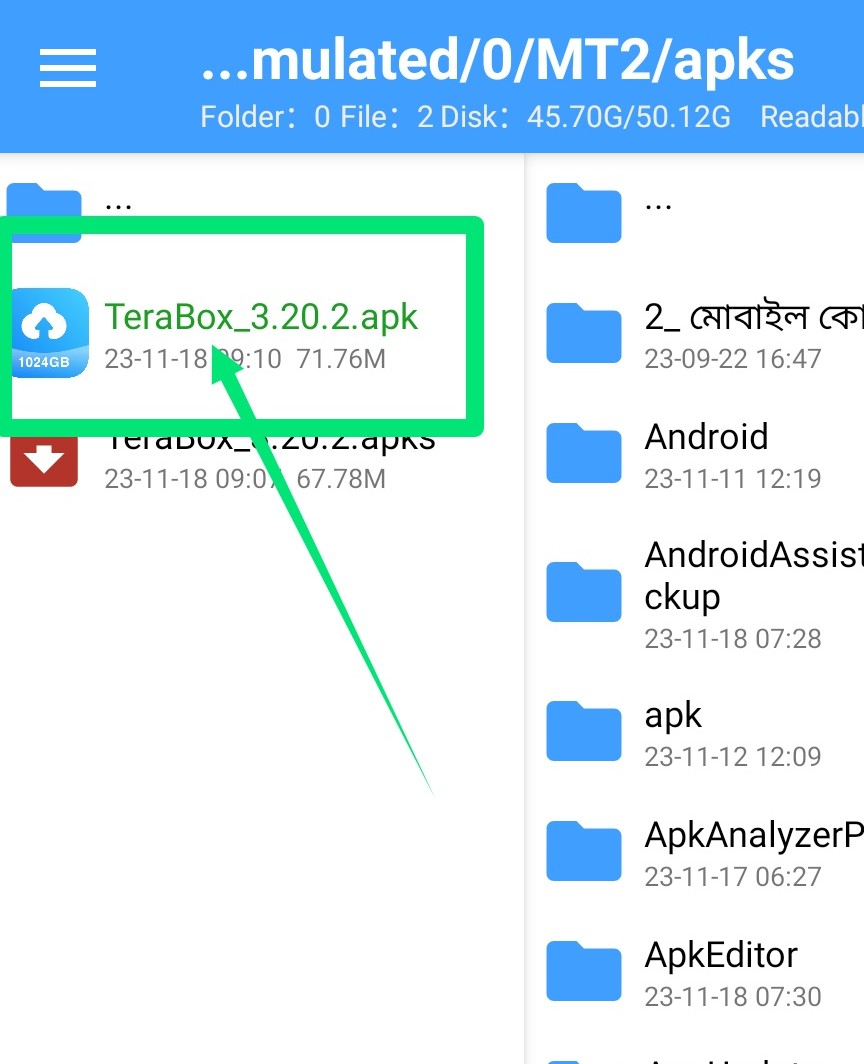
Enter the Apks folder
Click on Terabox apps

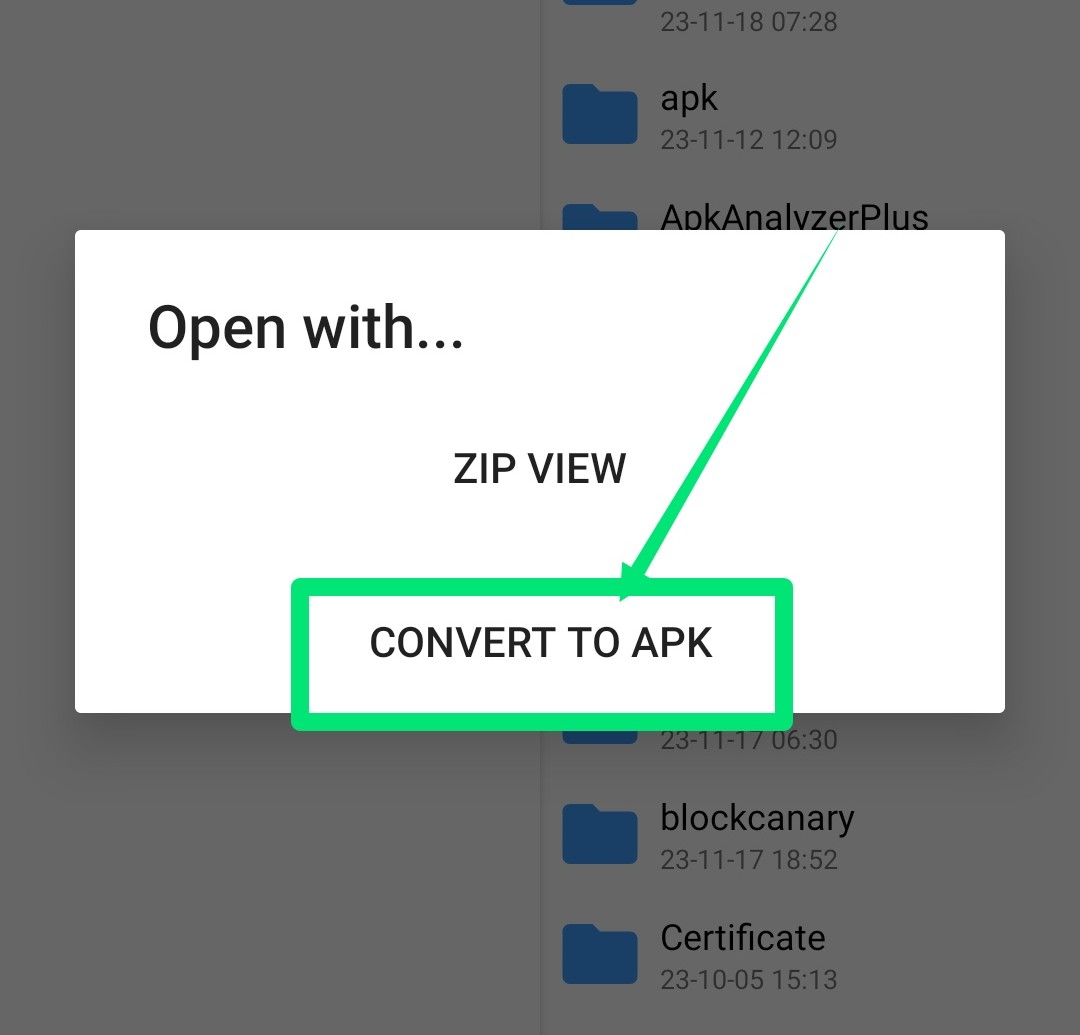
Click on Convert to Apk
Now enter Mt Manager and do the app
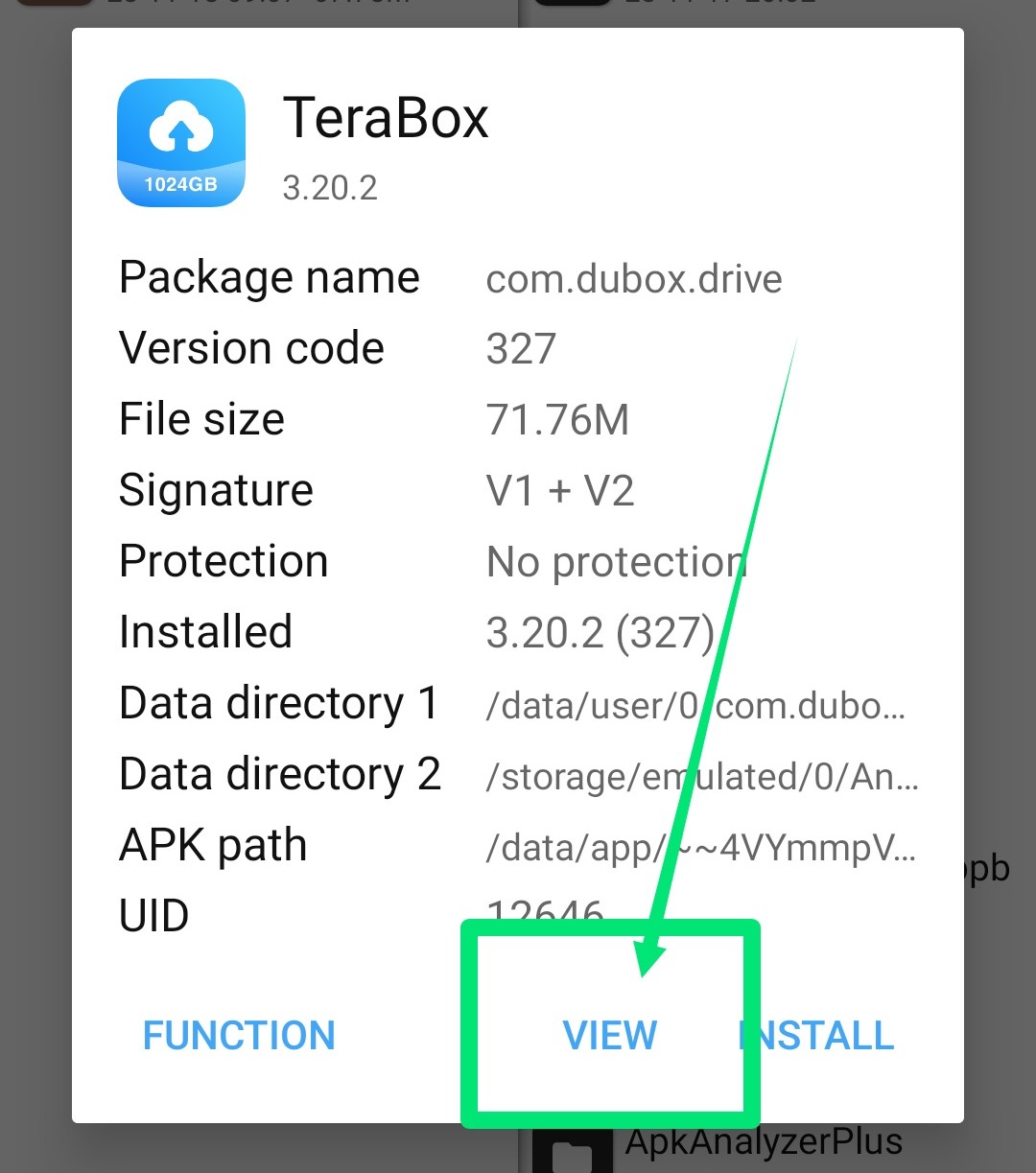
Click on View
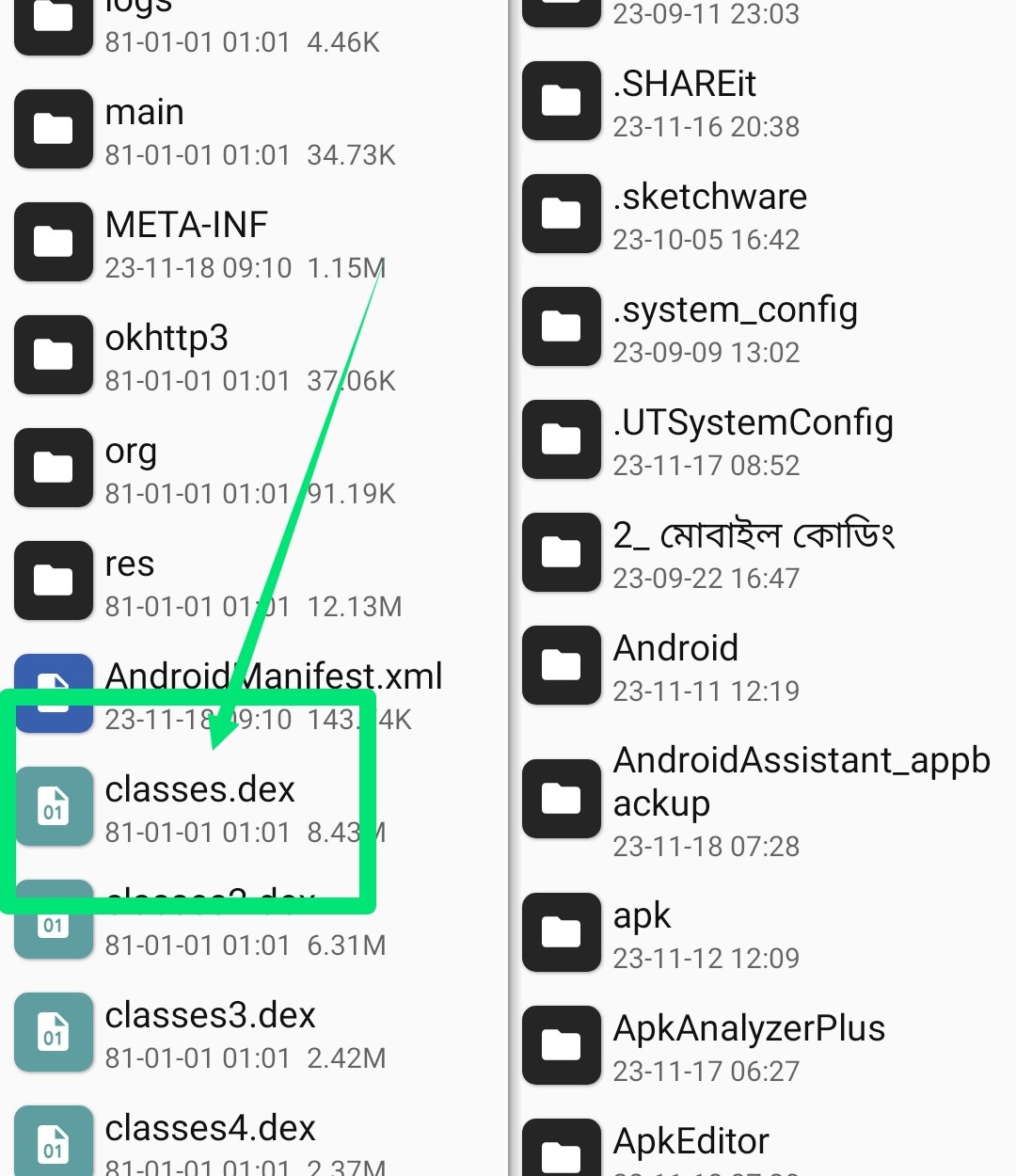
Click on Classes.dex
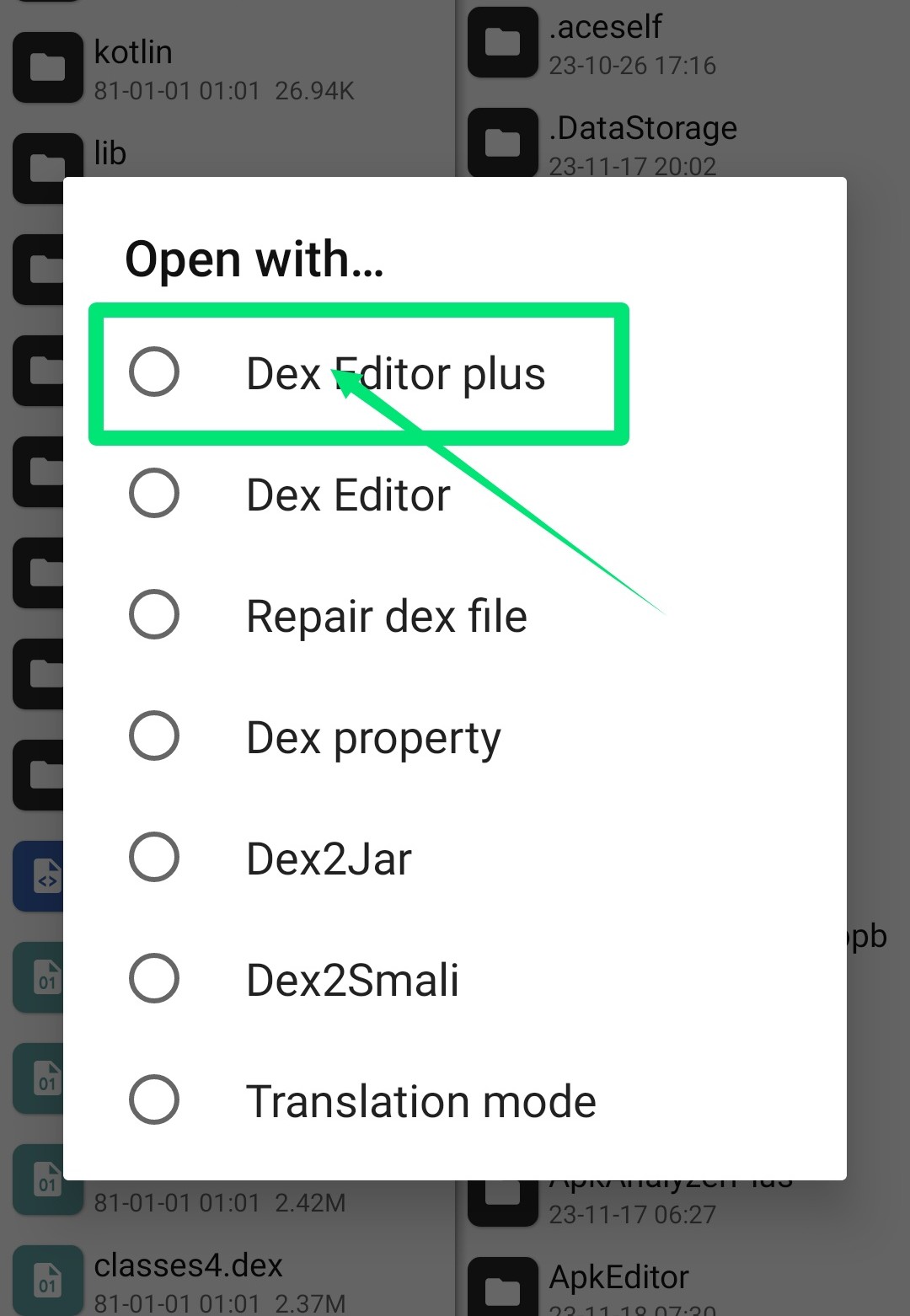
Click Dex Editor Plus
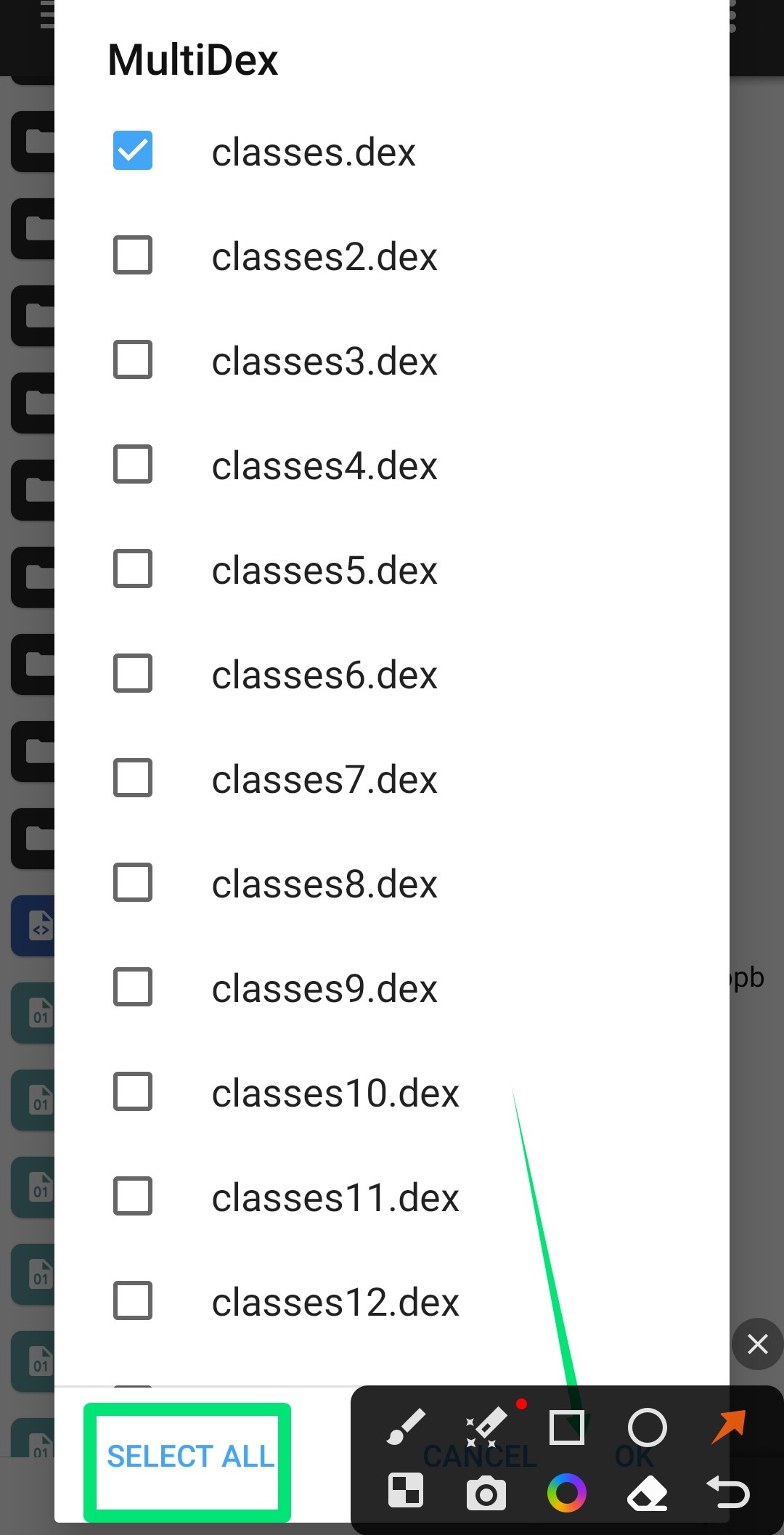
Click OK with Select All
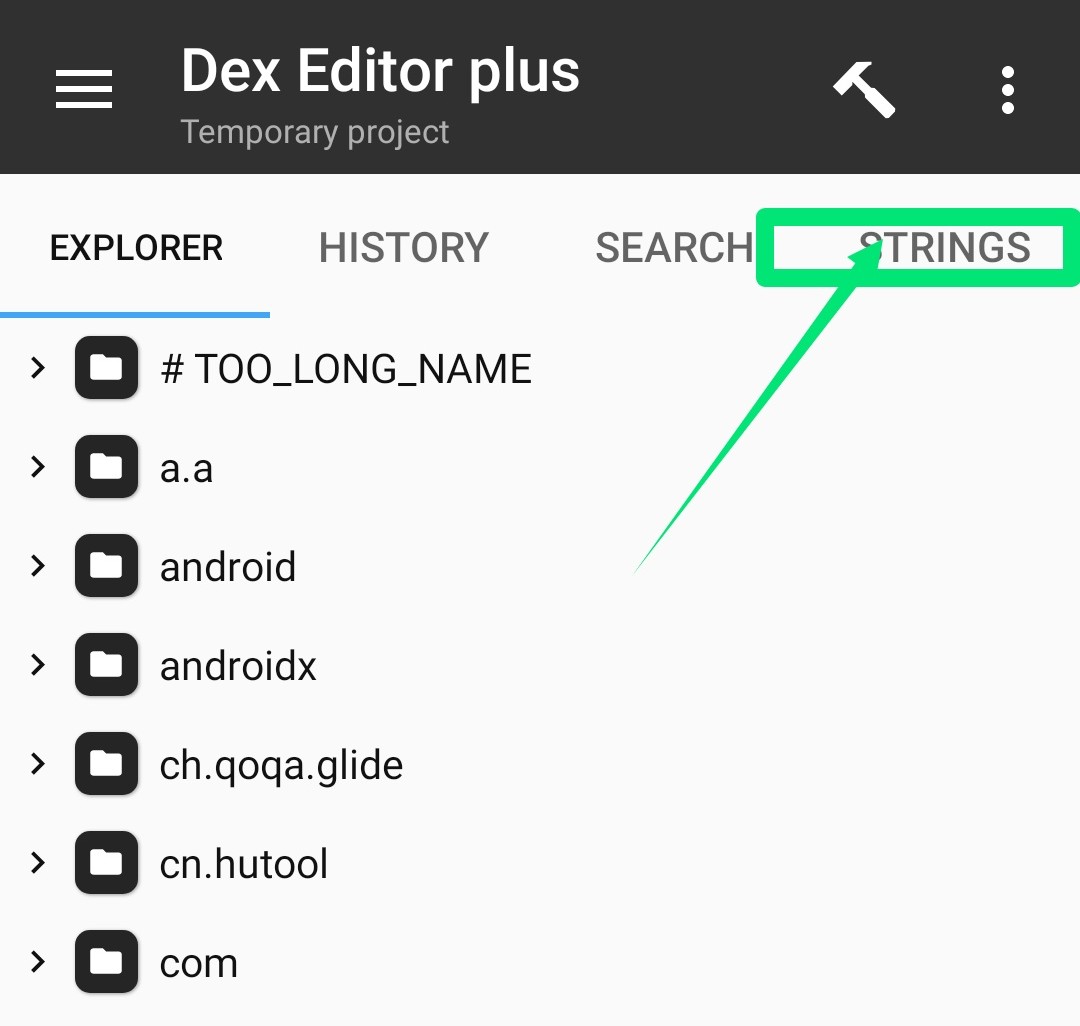
Click on STRINGS
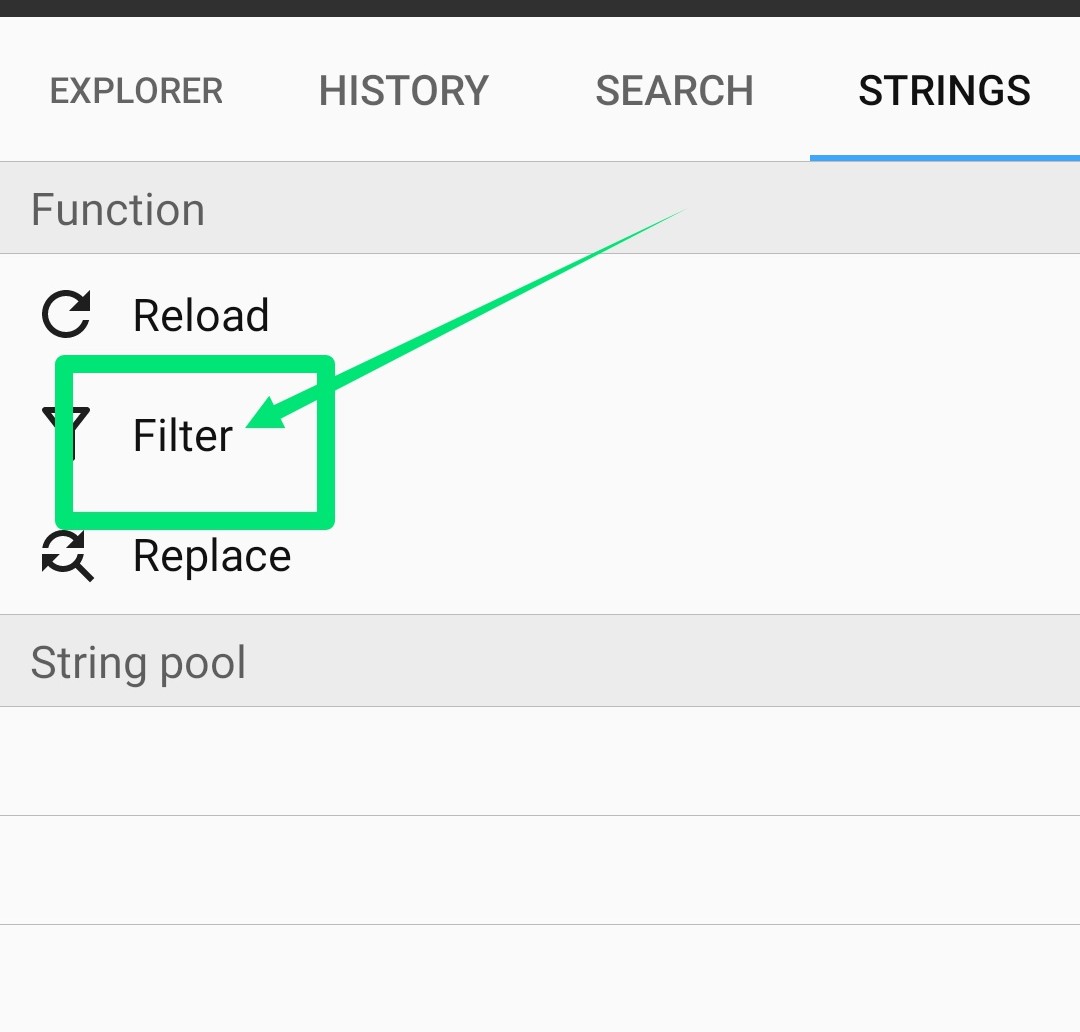
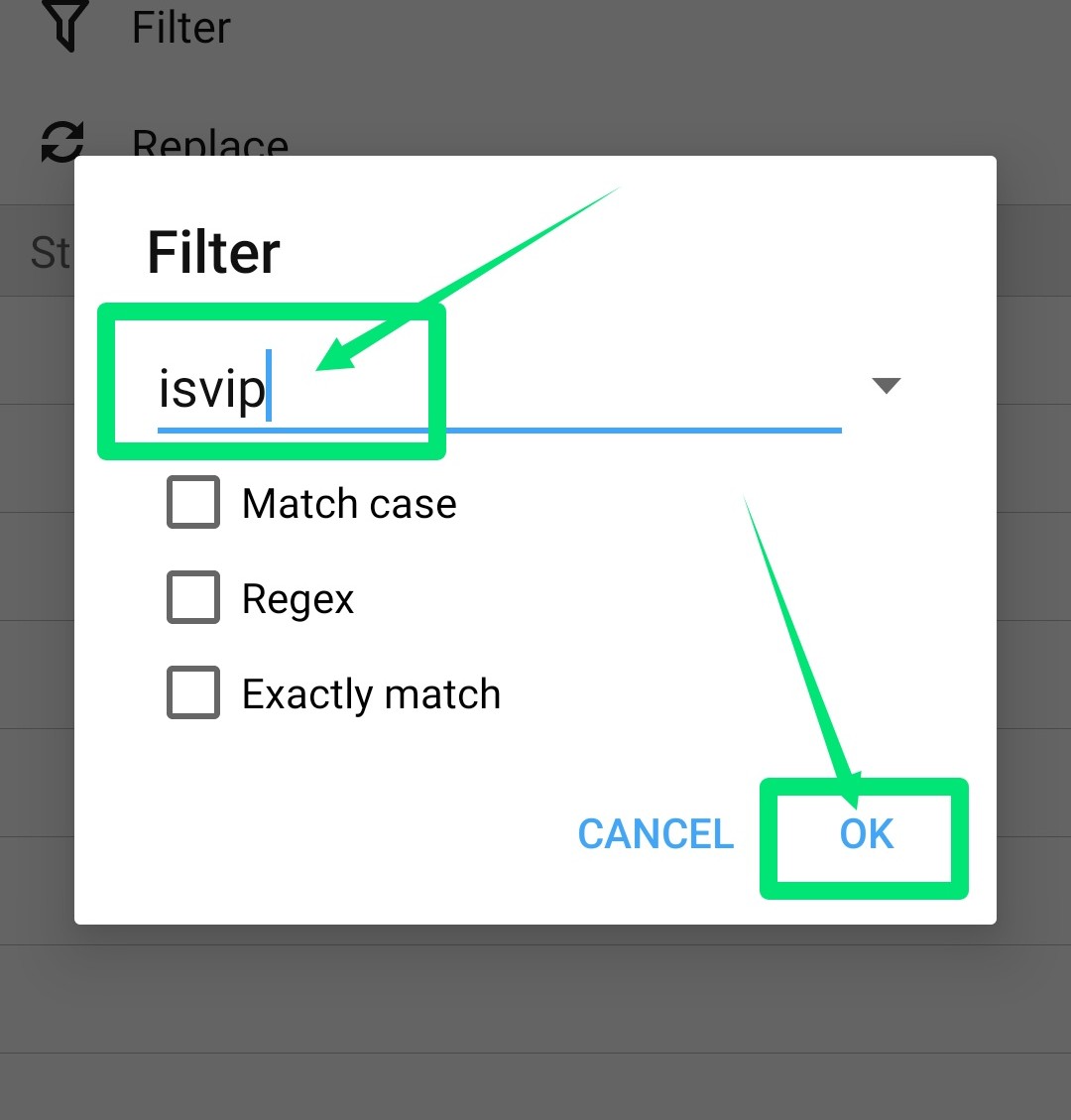
Click on filter
Enter isvip and click ok
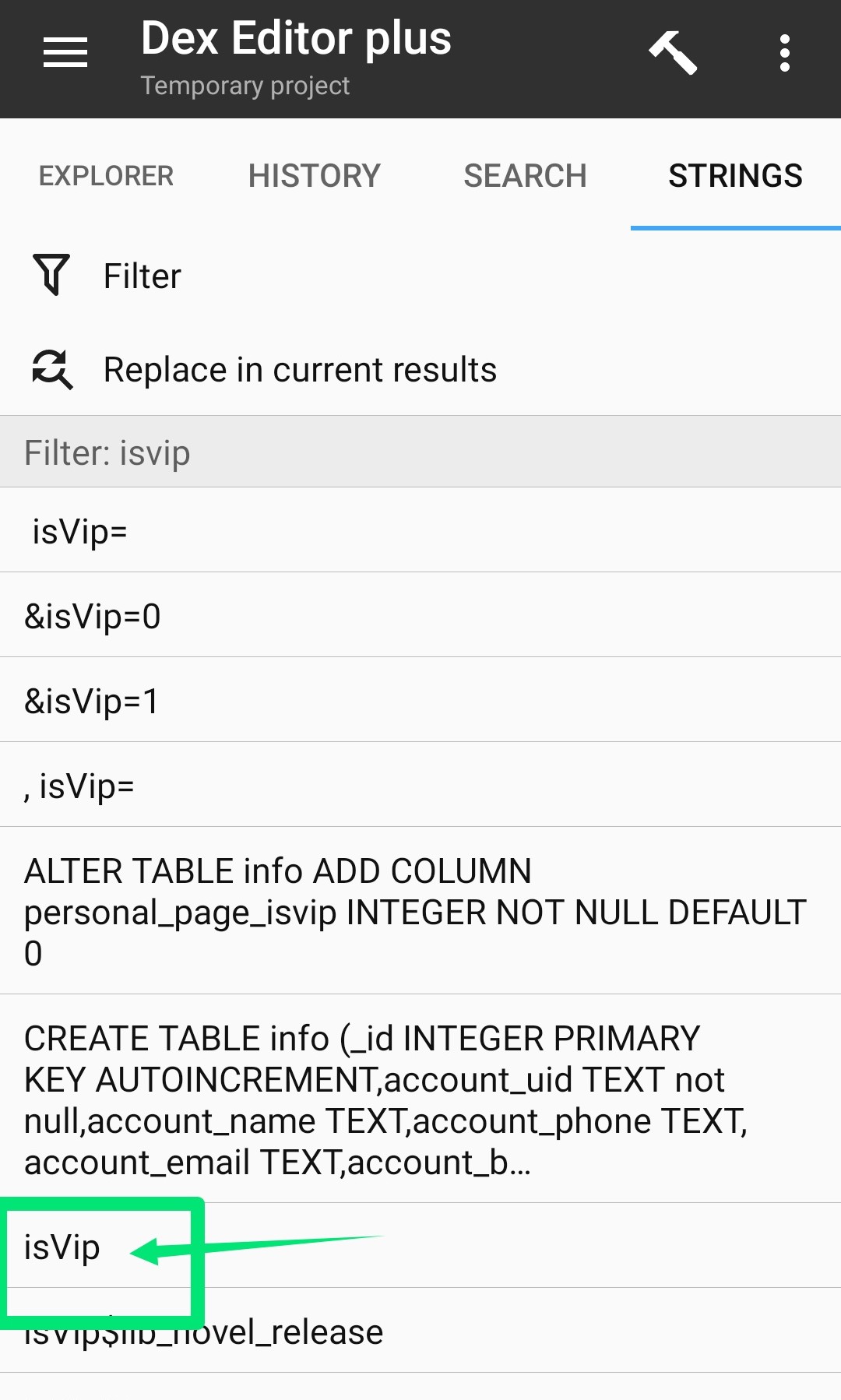
Click on isVip
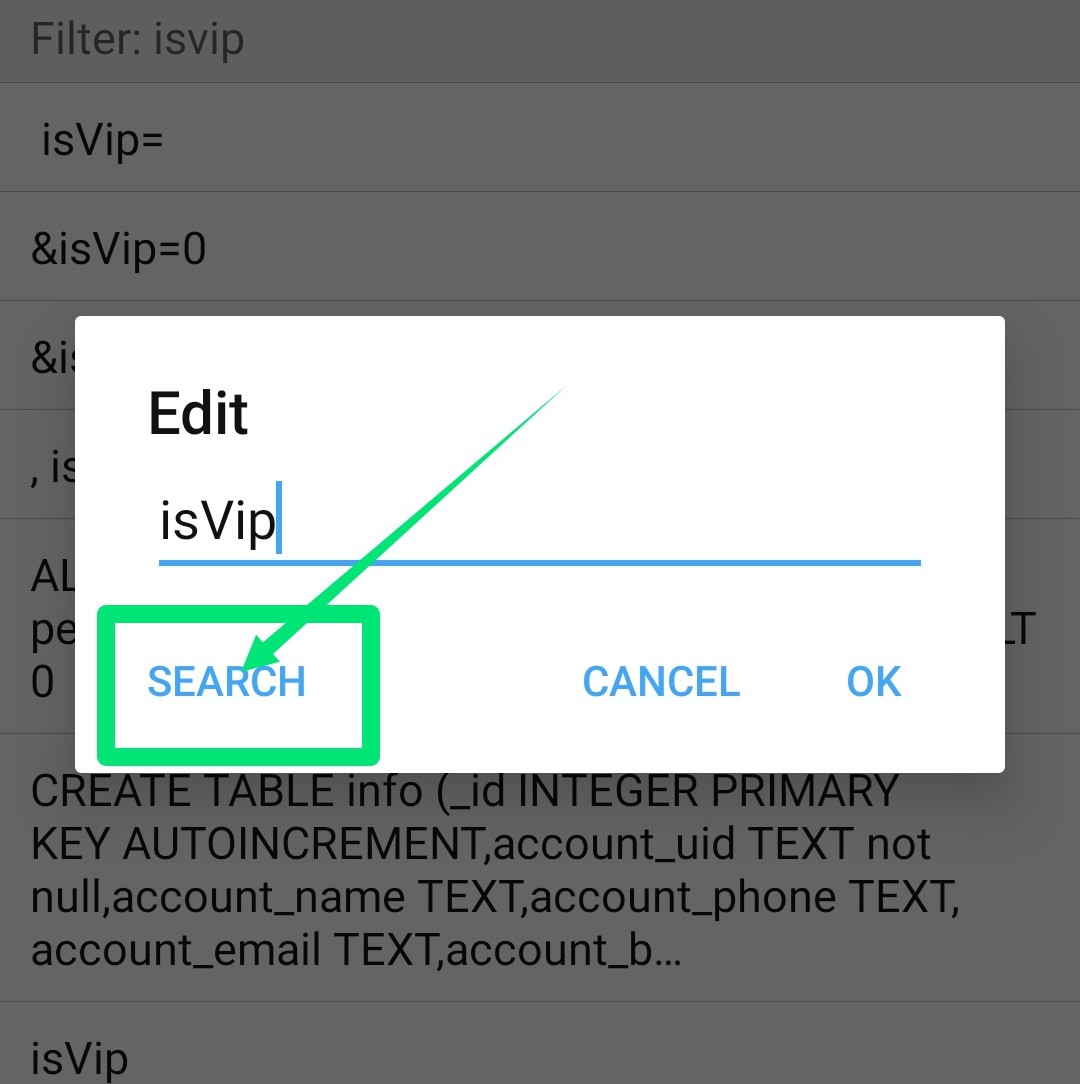
Click on Search
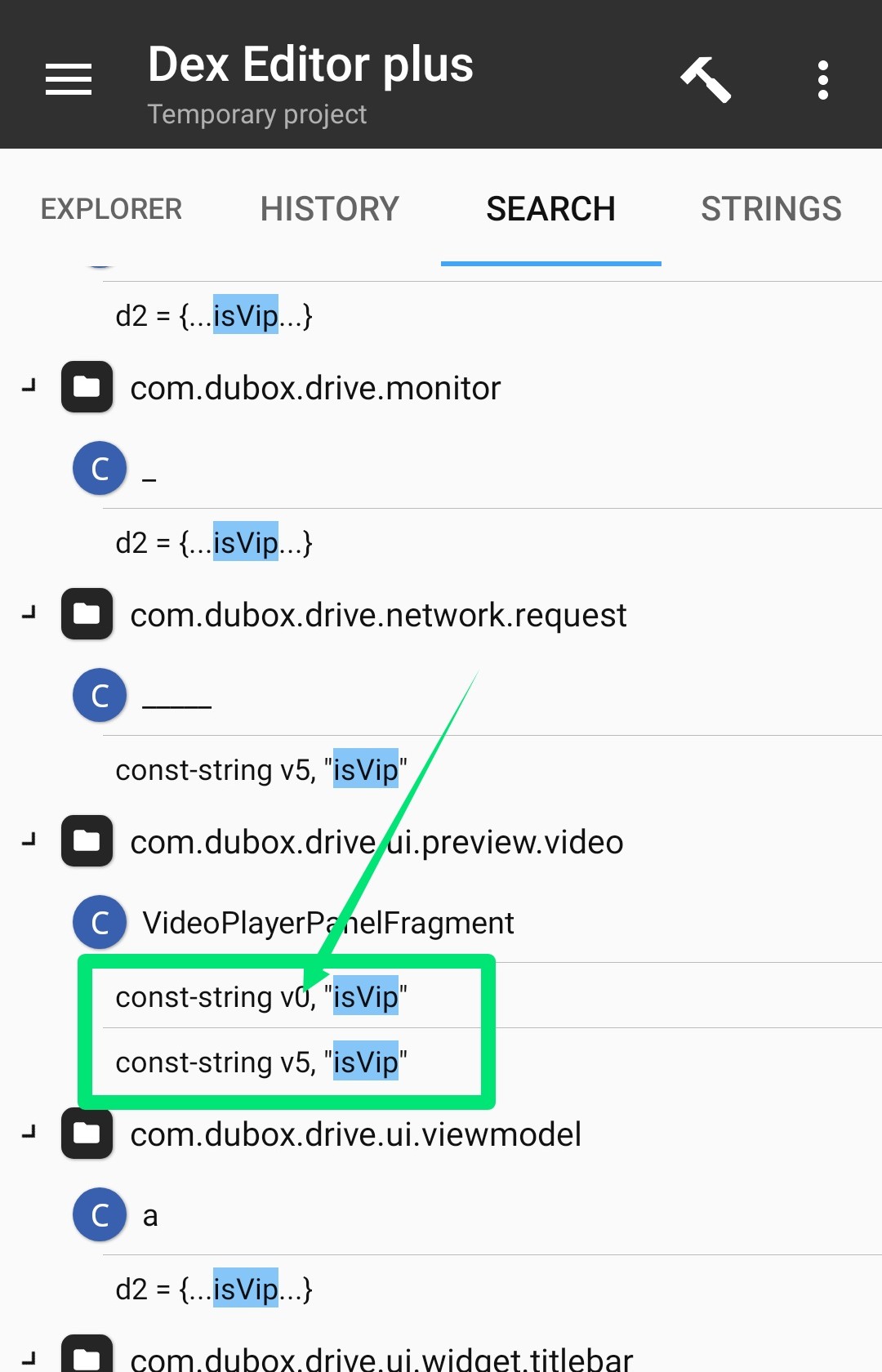
Click on isvip above
Click goto by pressing marked isvip()z
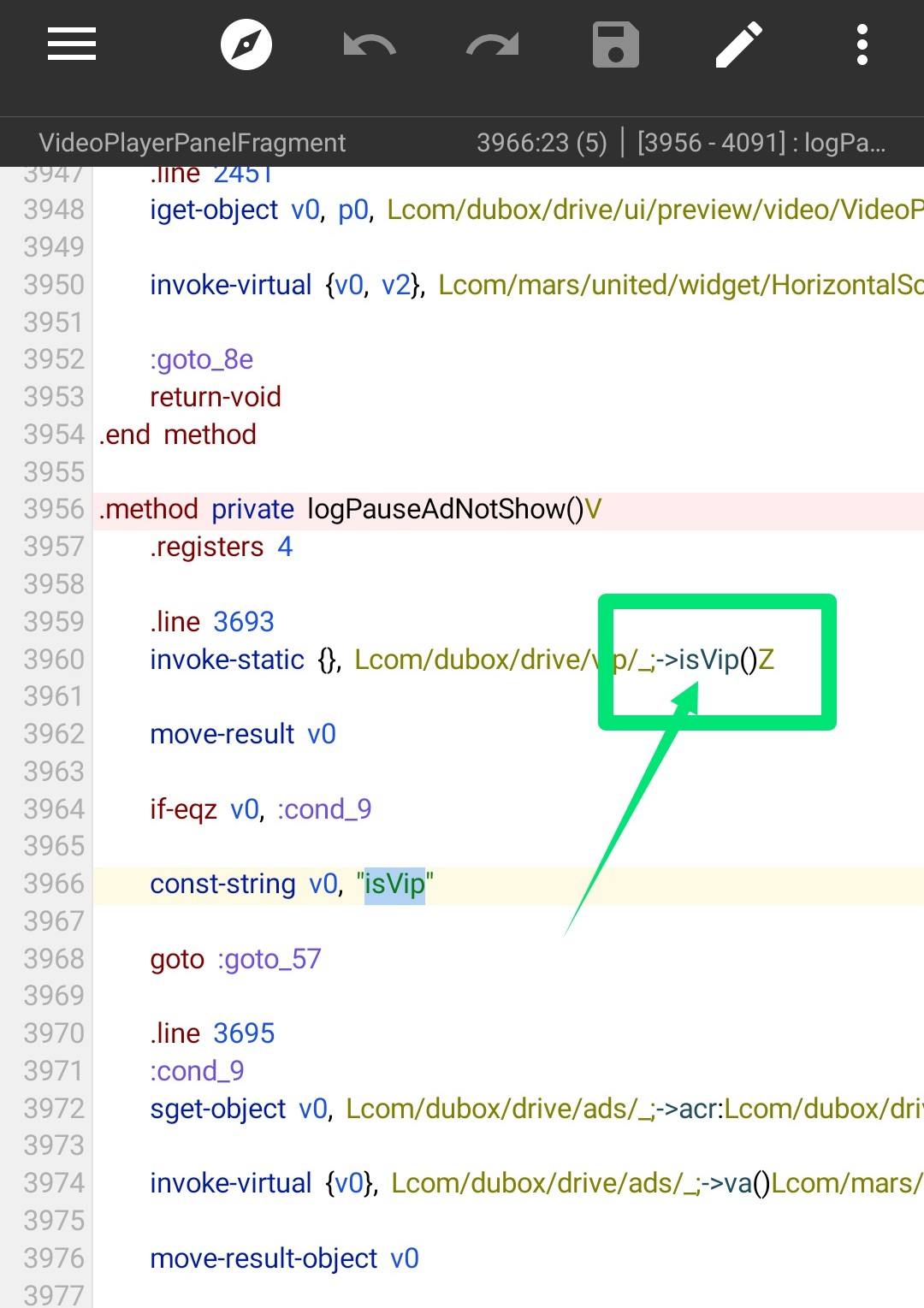
Then click goto again by pressing isvip()z marked again
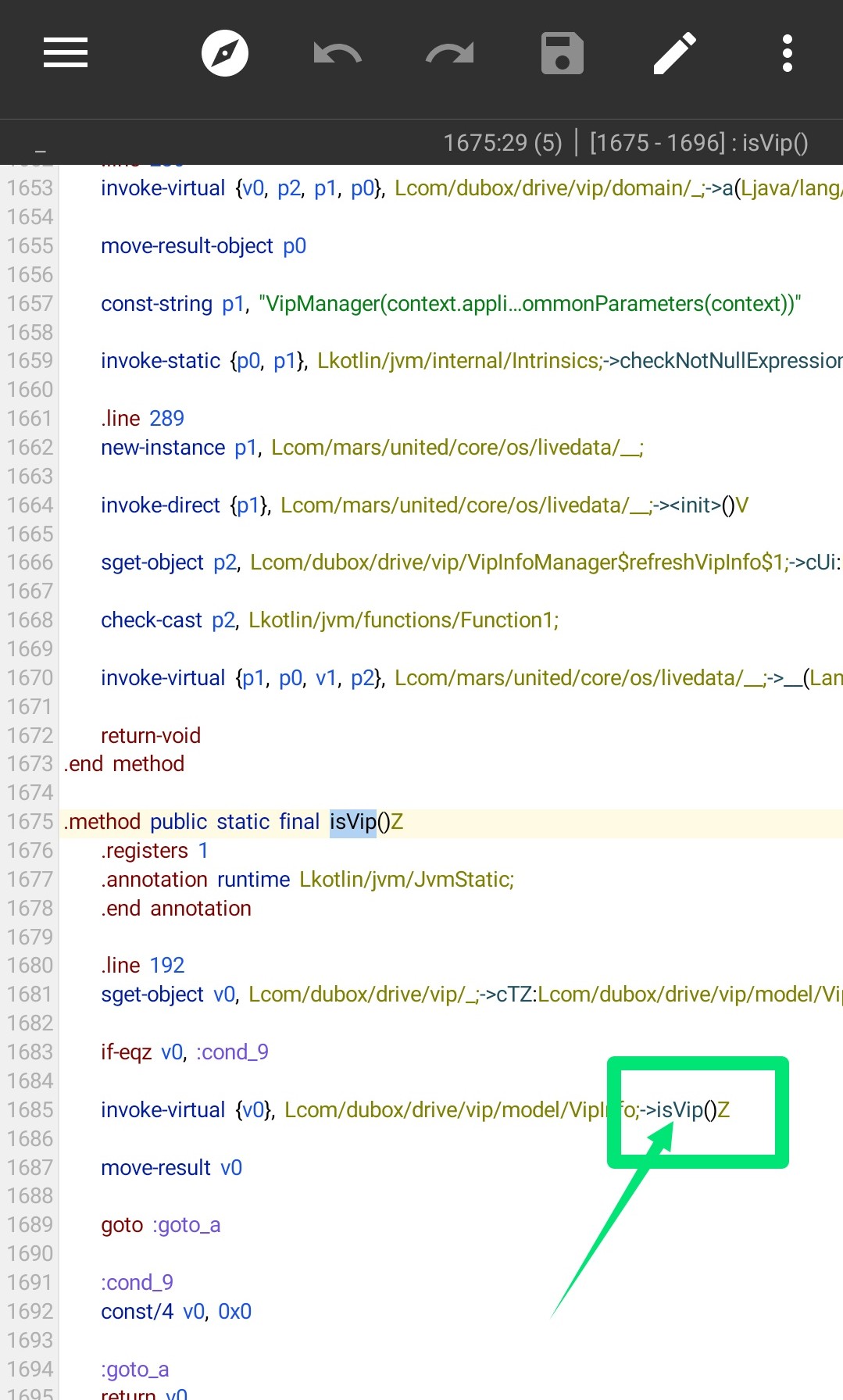
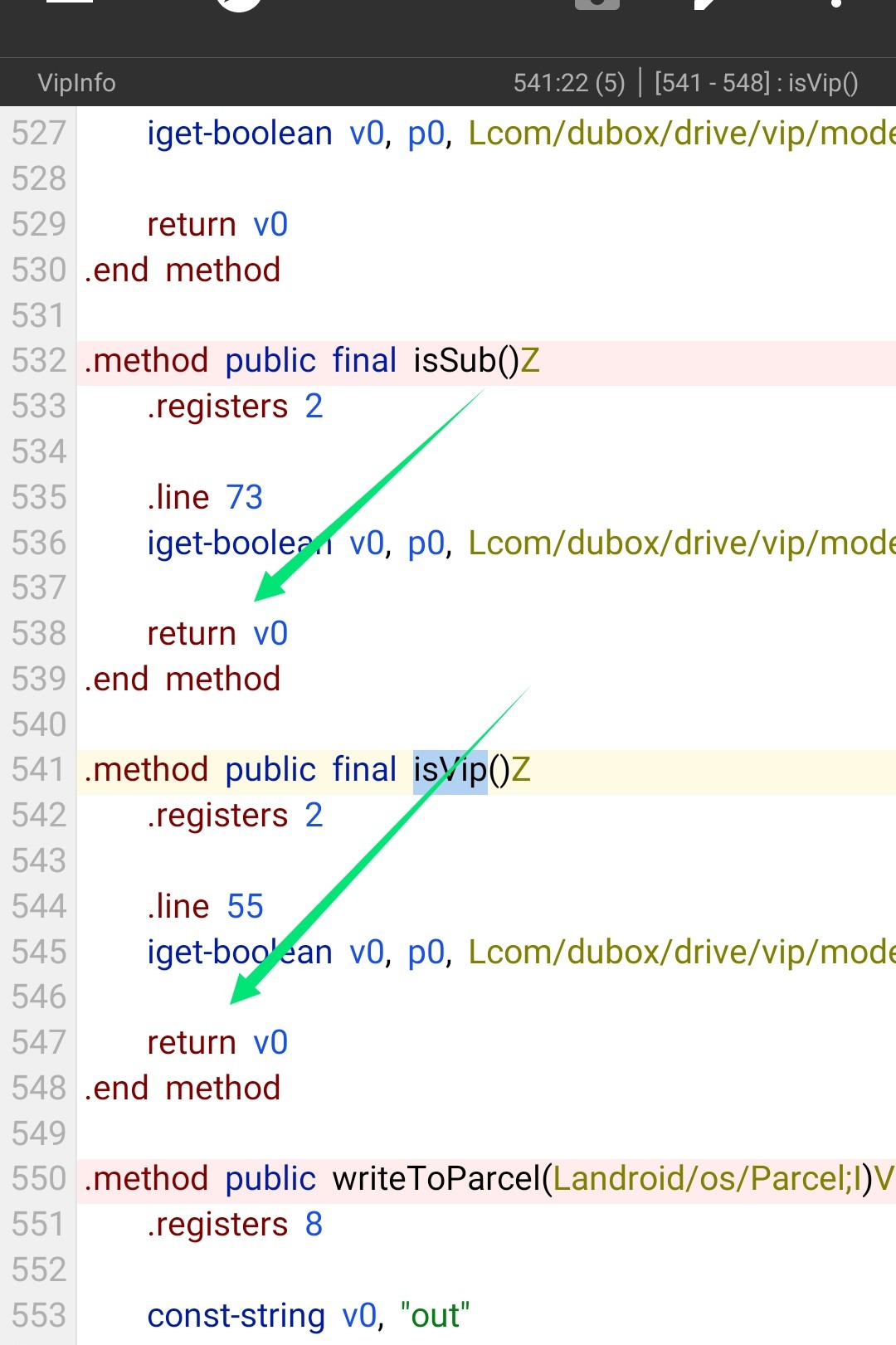
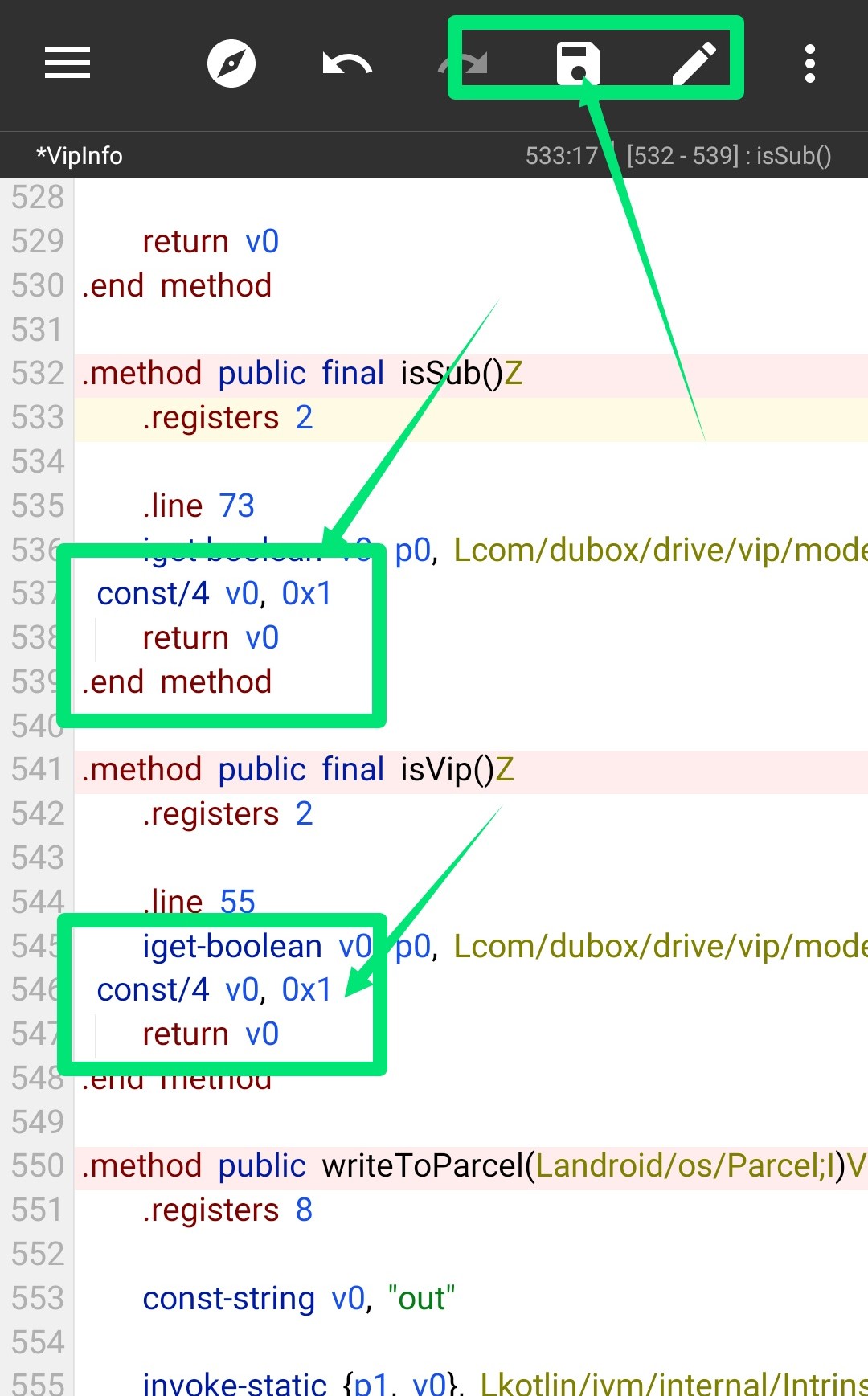
Enter the premiums code in the two places marked
Click on the save button above to set it as I have set it
Now go back and click on the search button
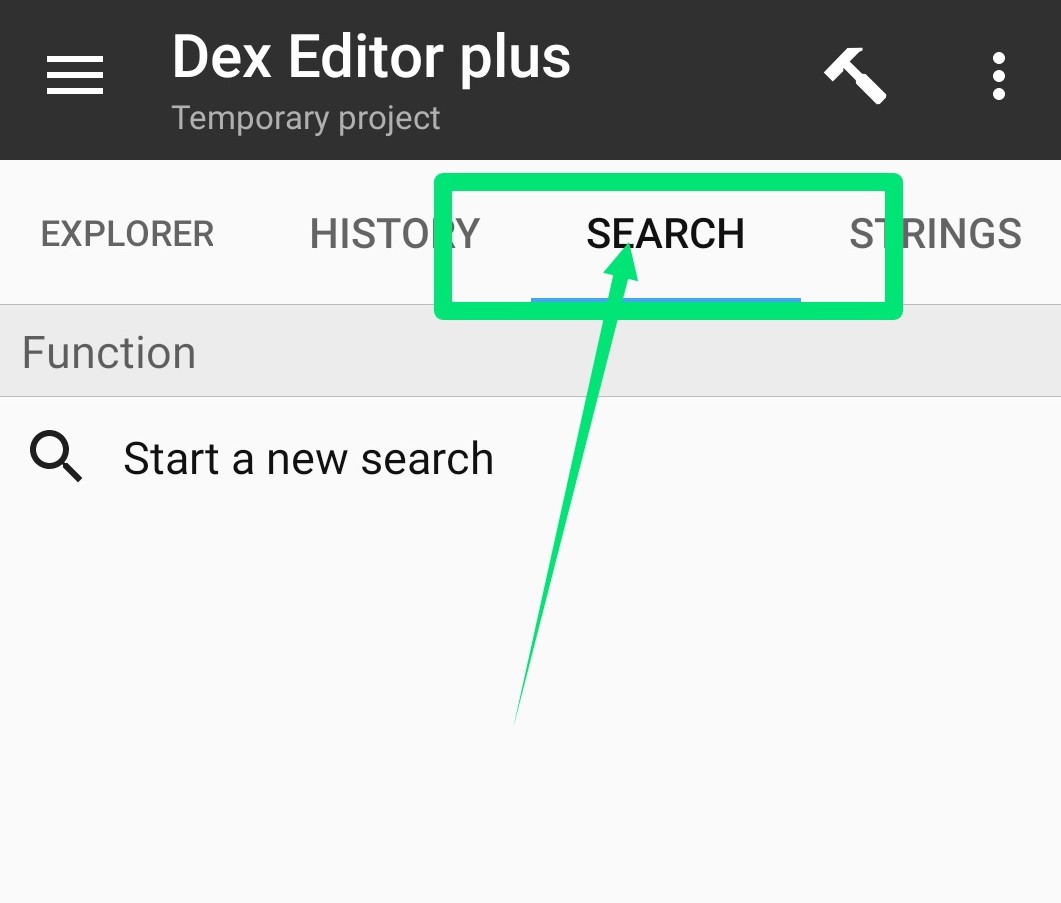
Click on Start new search
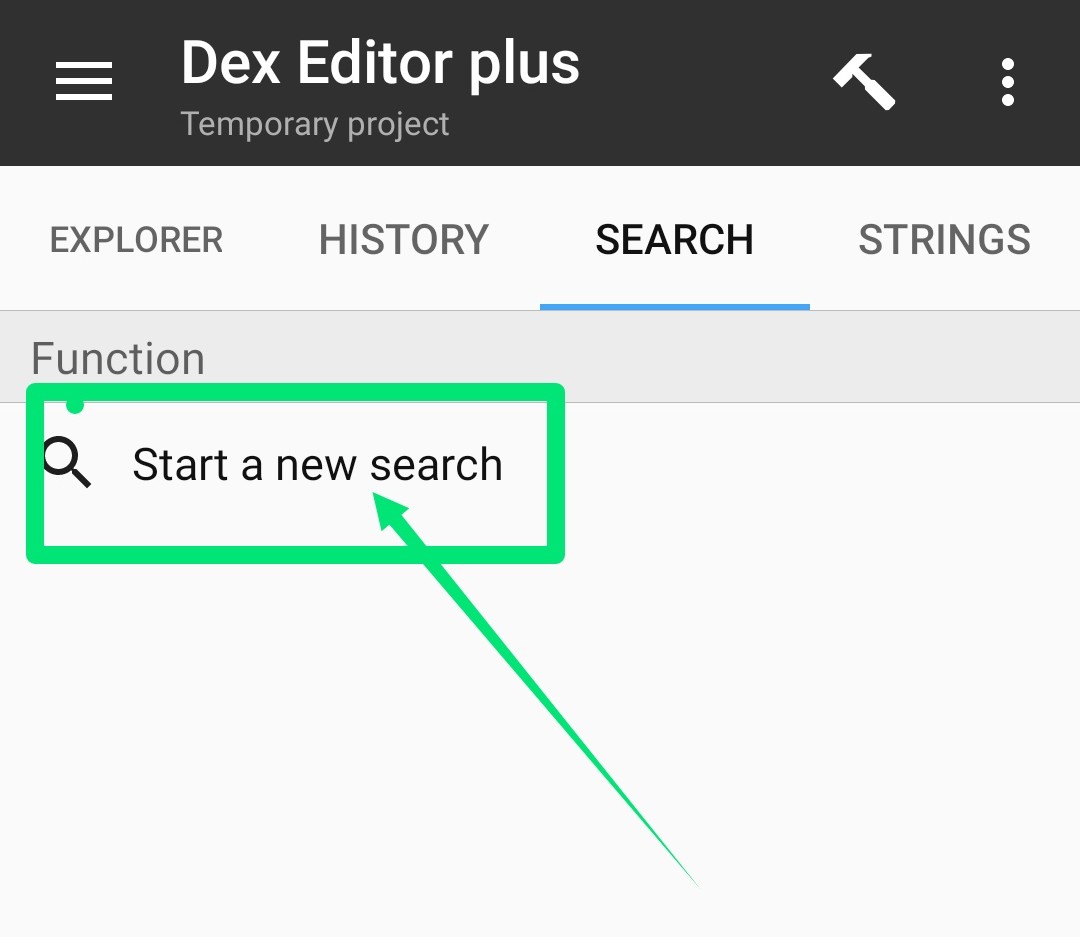
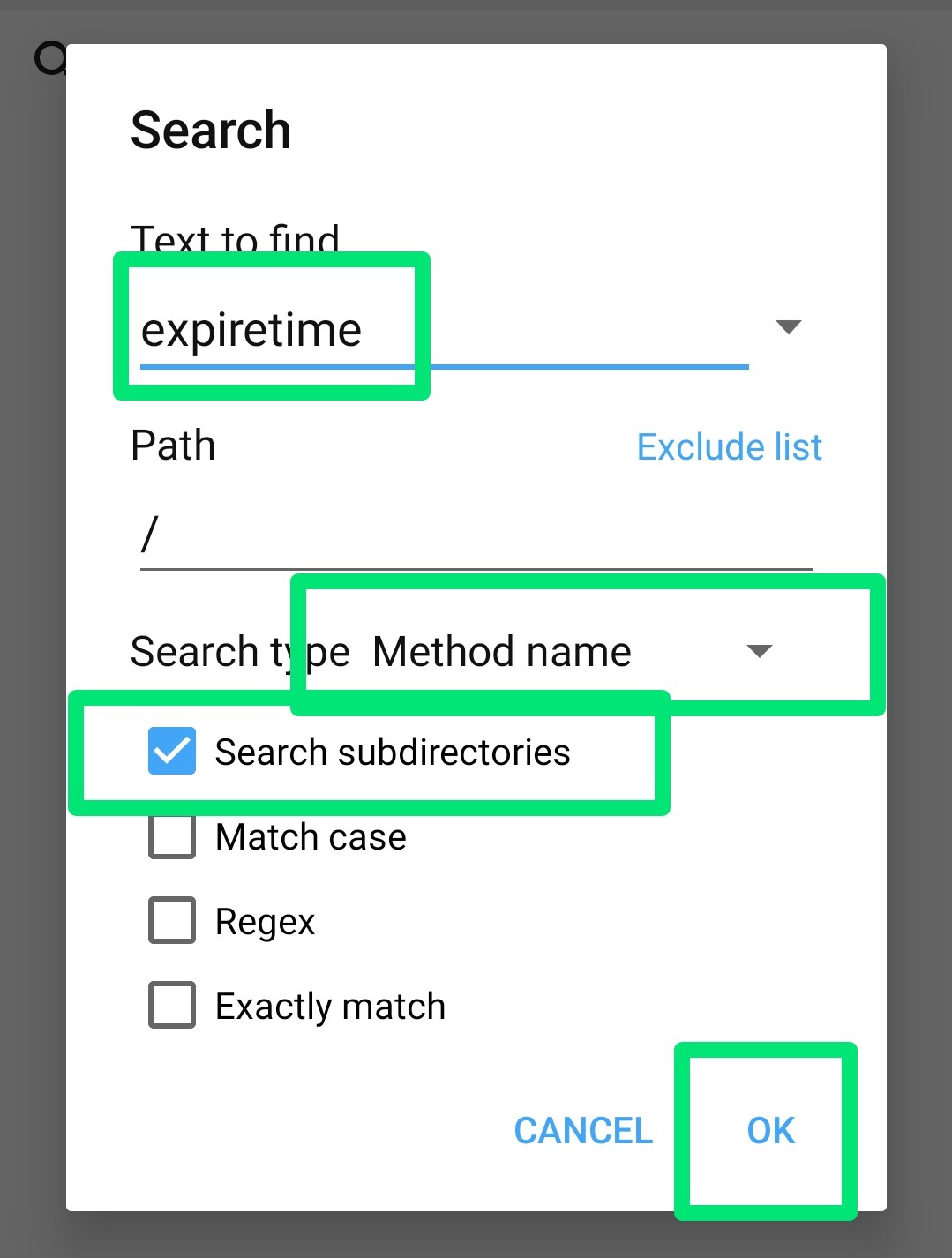
Type expiretime in the search box and click on Ok as shown in the screenshot
This time click on the very bottom
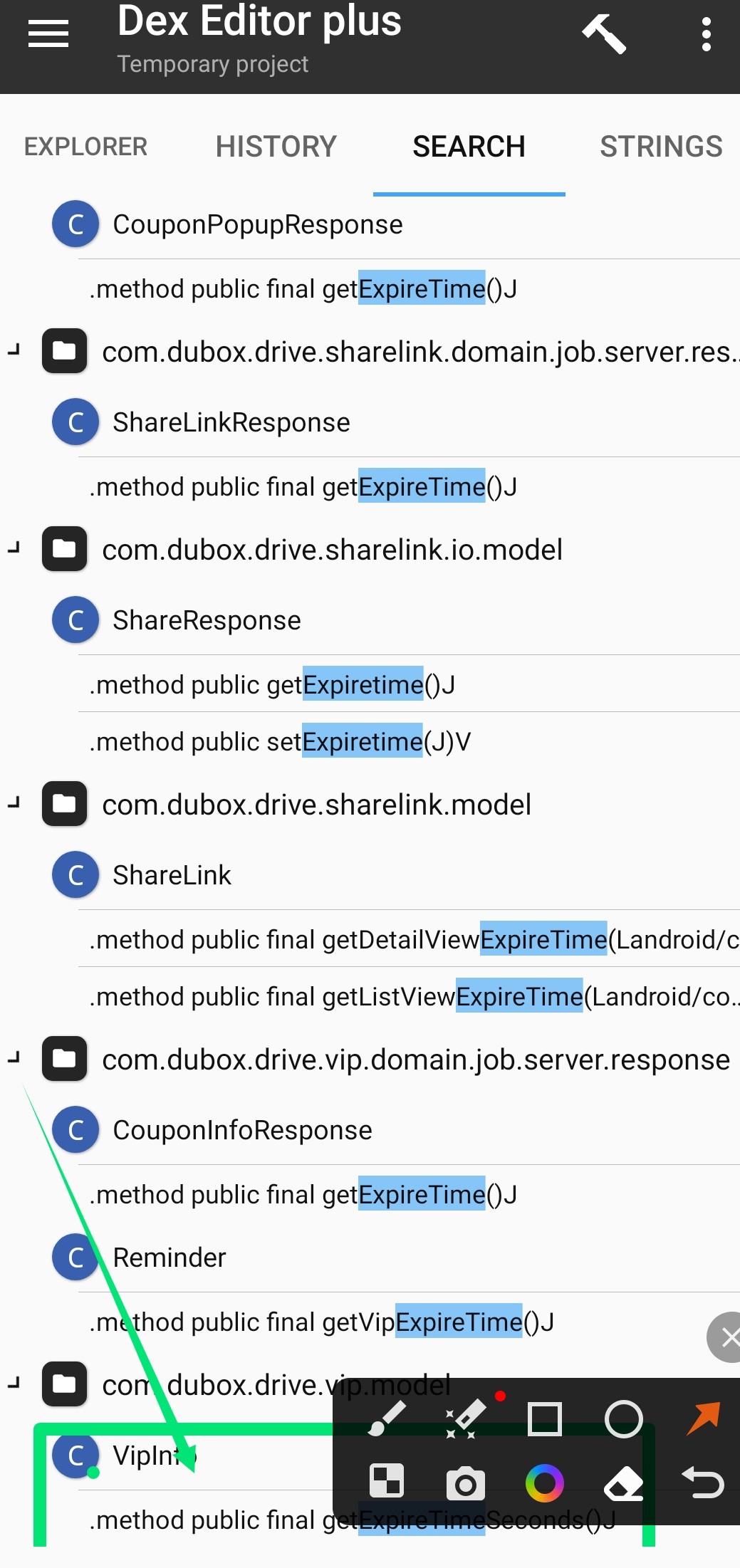
Click goto by pressing on the marked place

Now click on the compass above

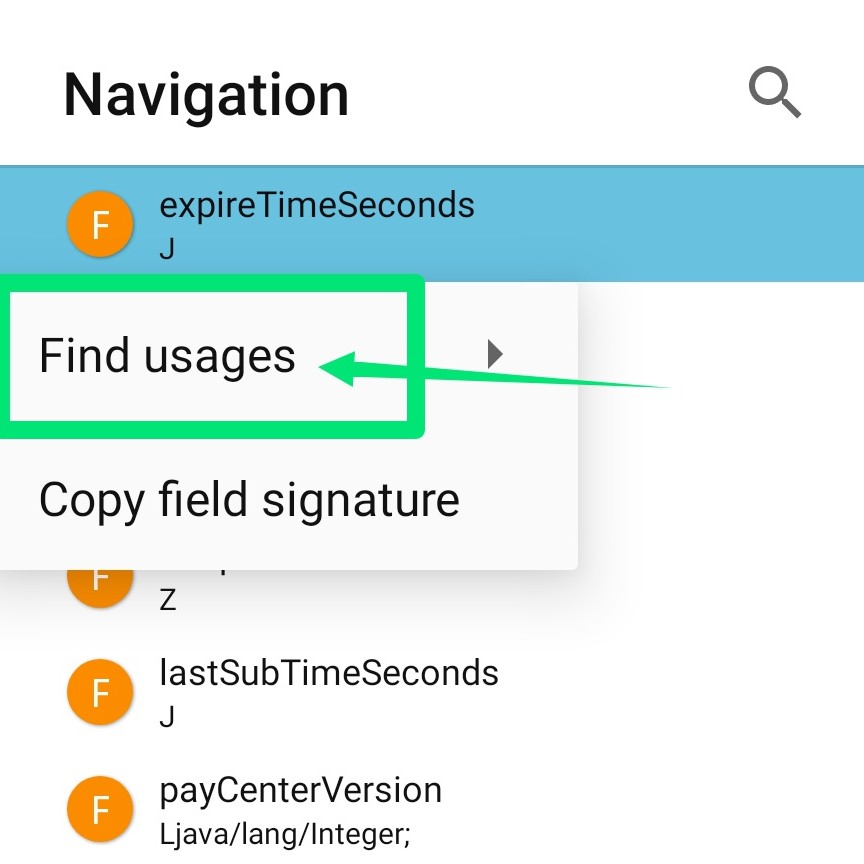
Press and hold on the marked area

Click on Find usages
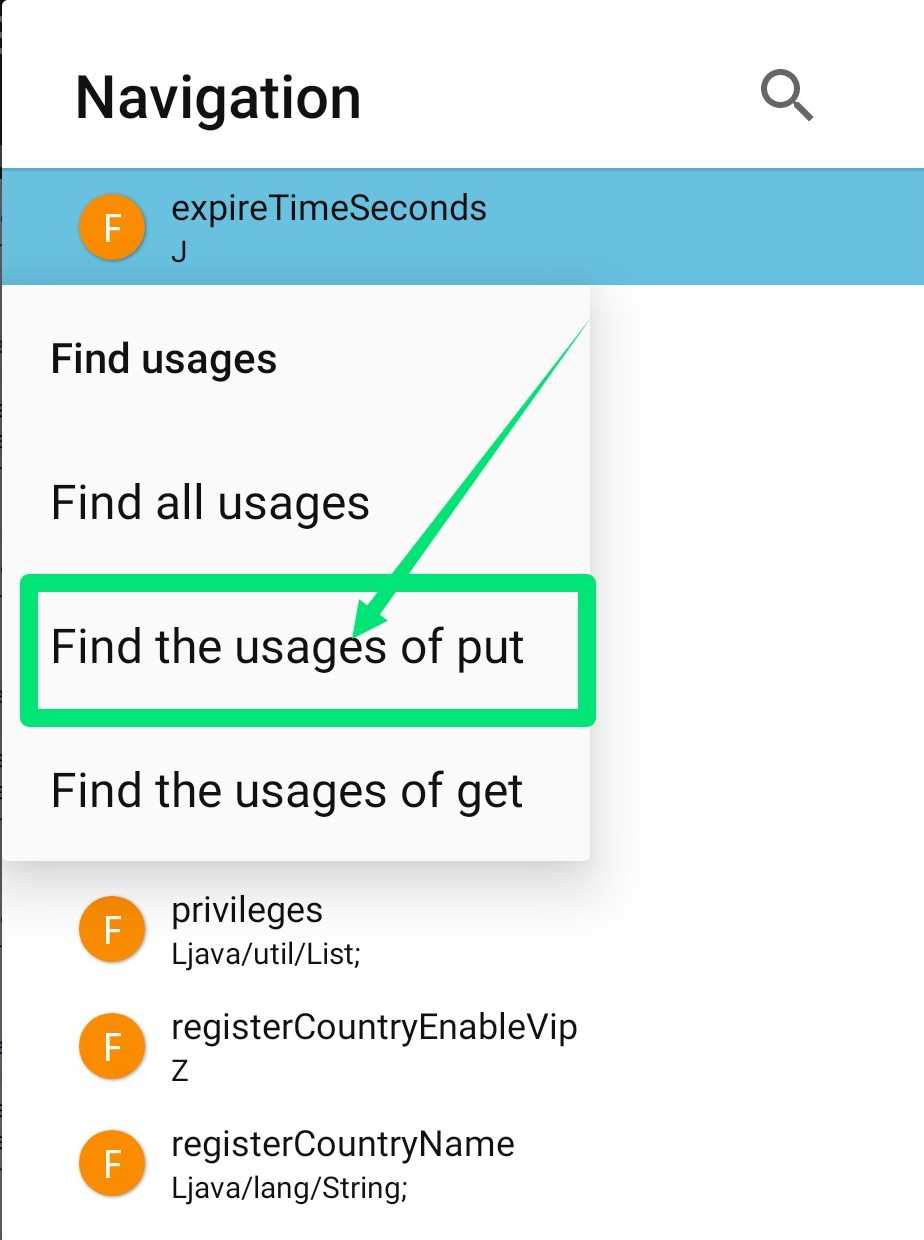
Click on Find the usages of put
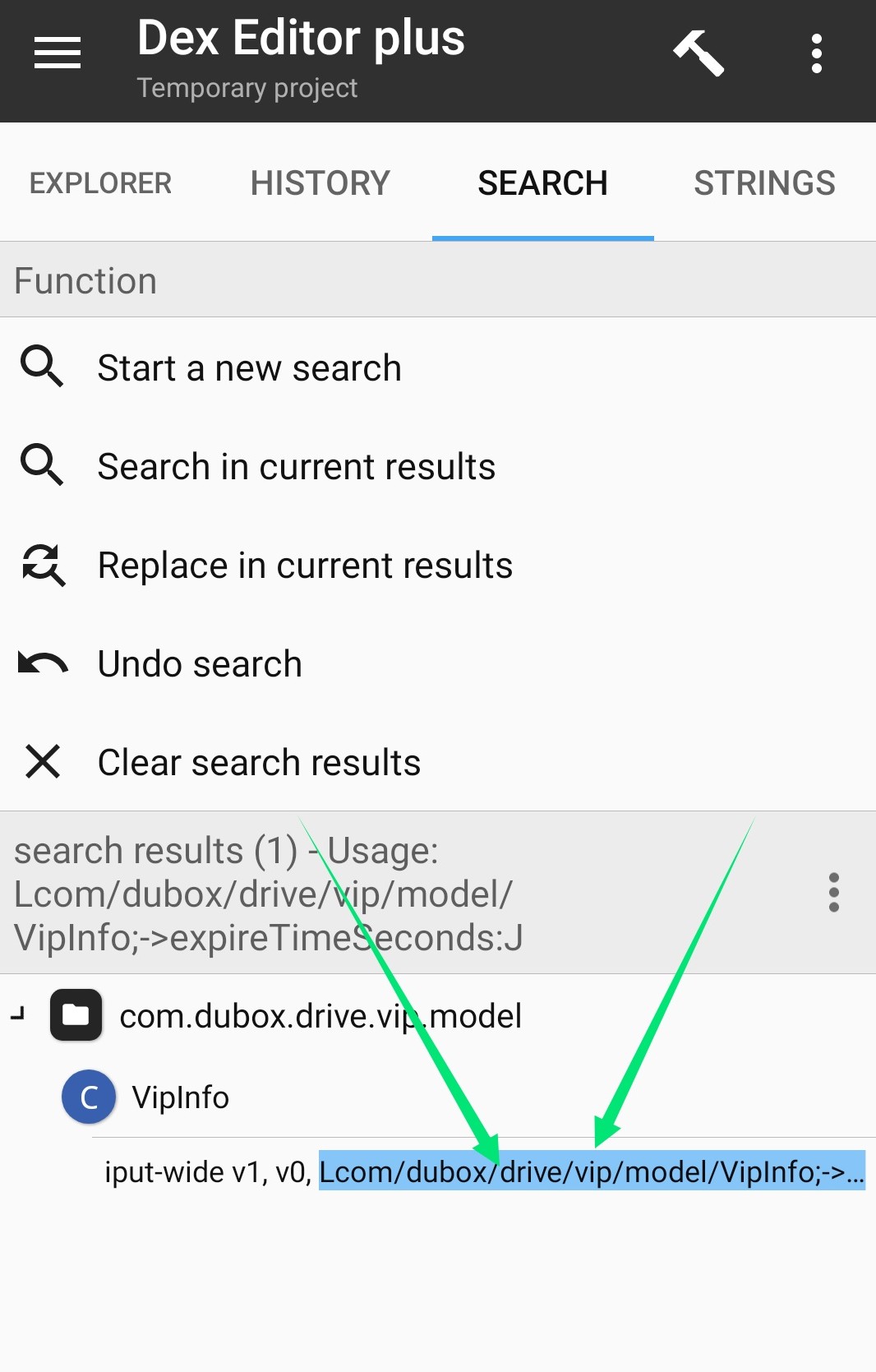
Click on the marked area
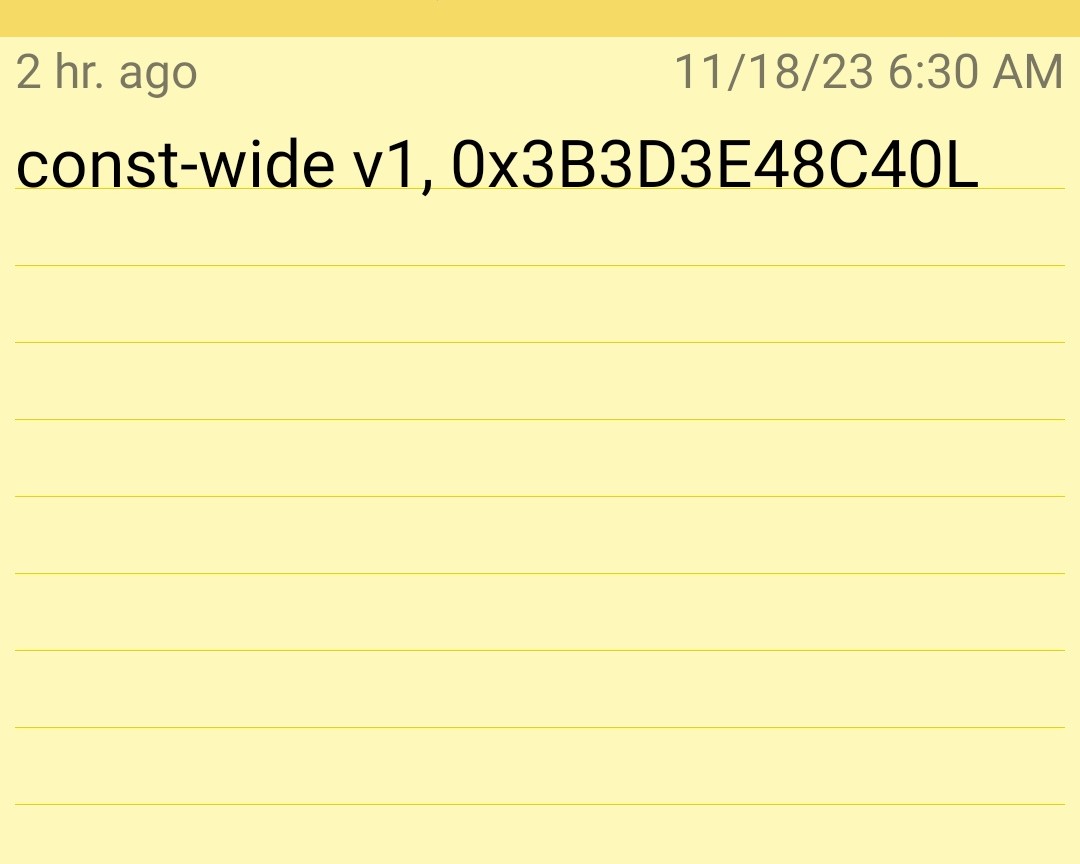
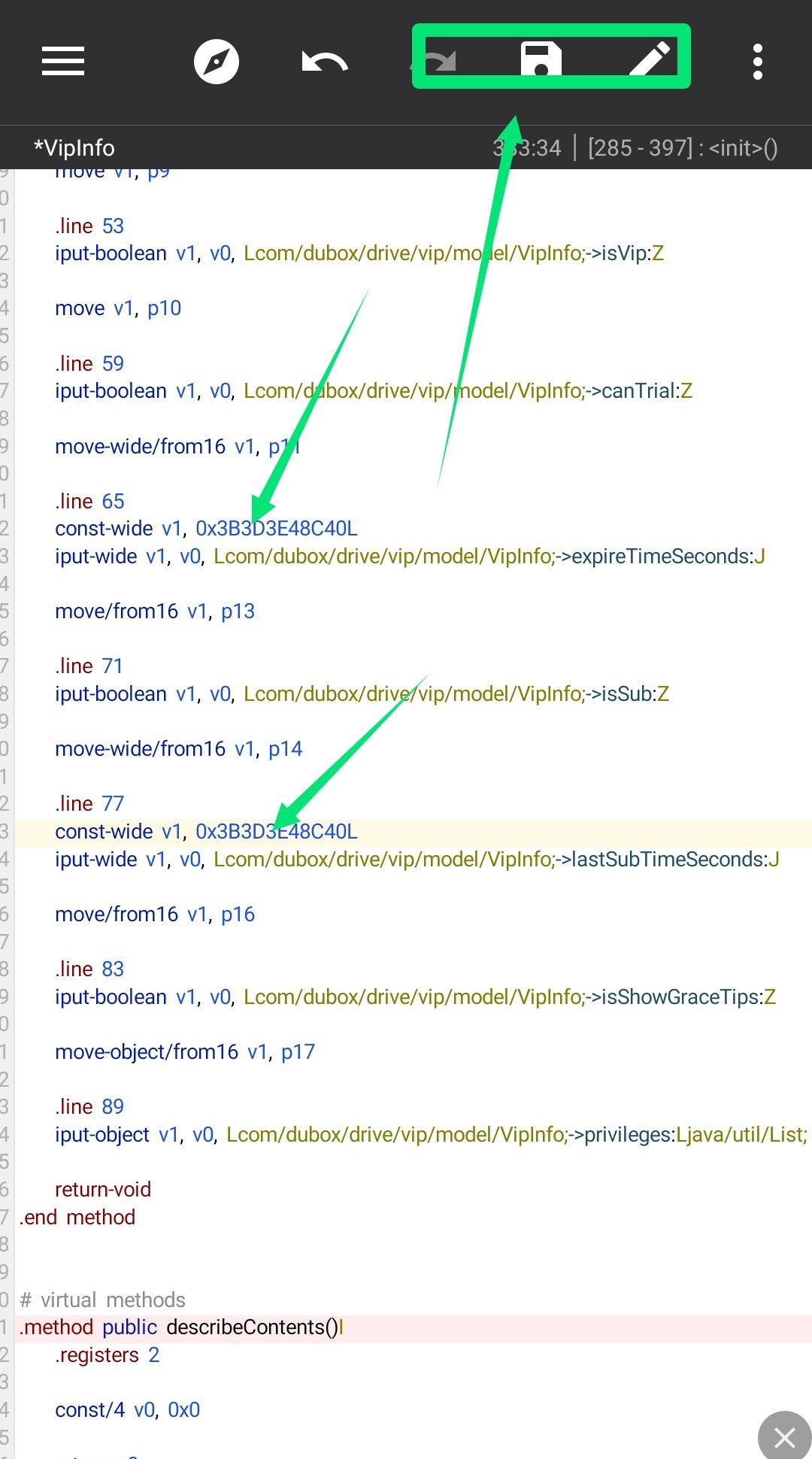
Place a code below line: 65 line: 77
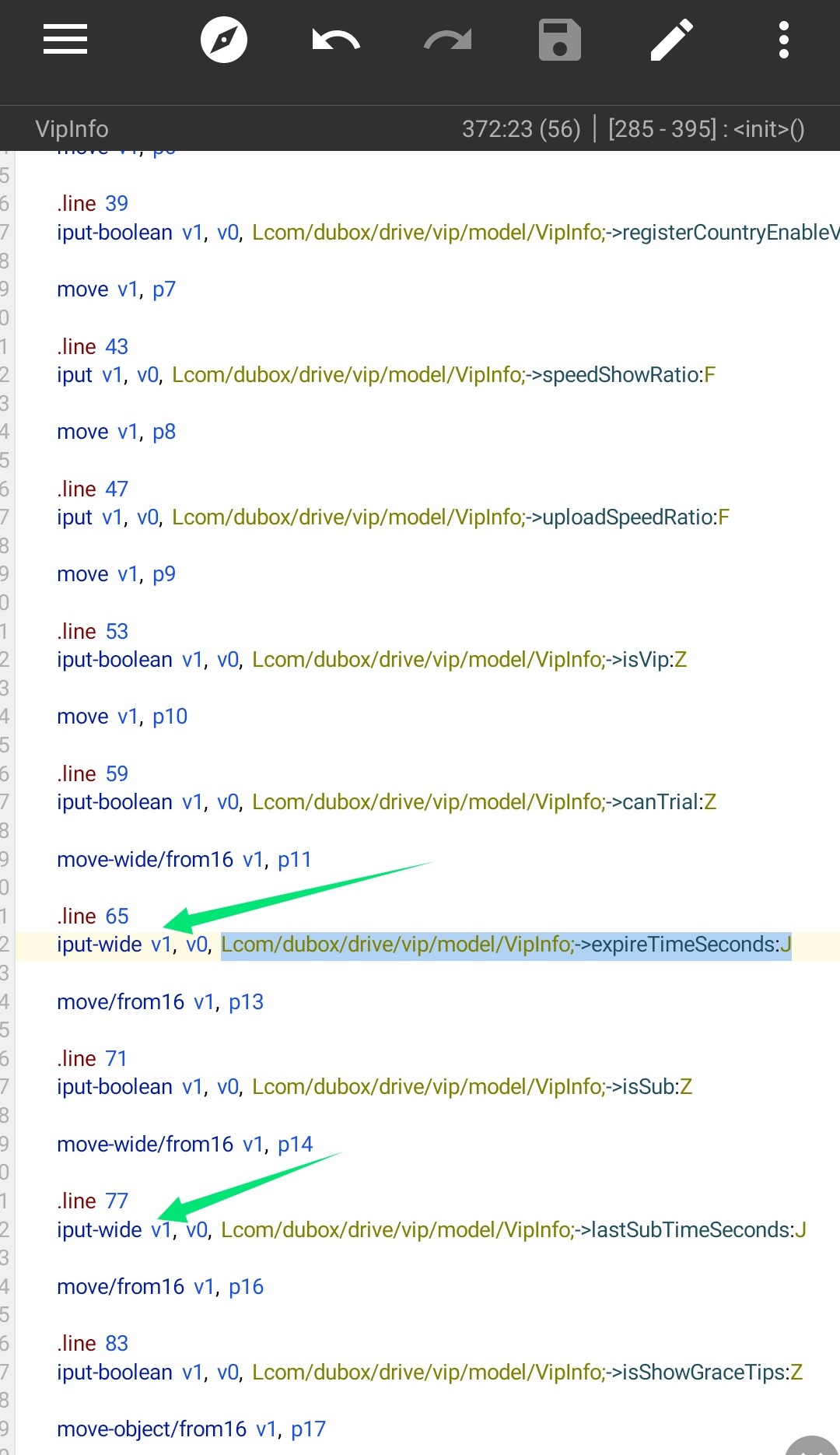
Type and paste the complete code as shown in the screenshot
See how I sit and click on the save button above
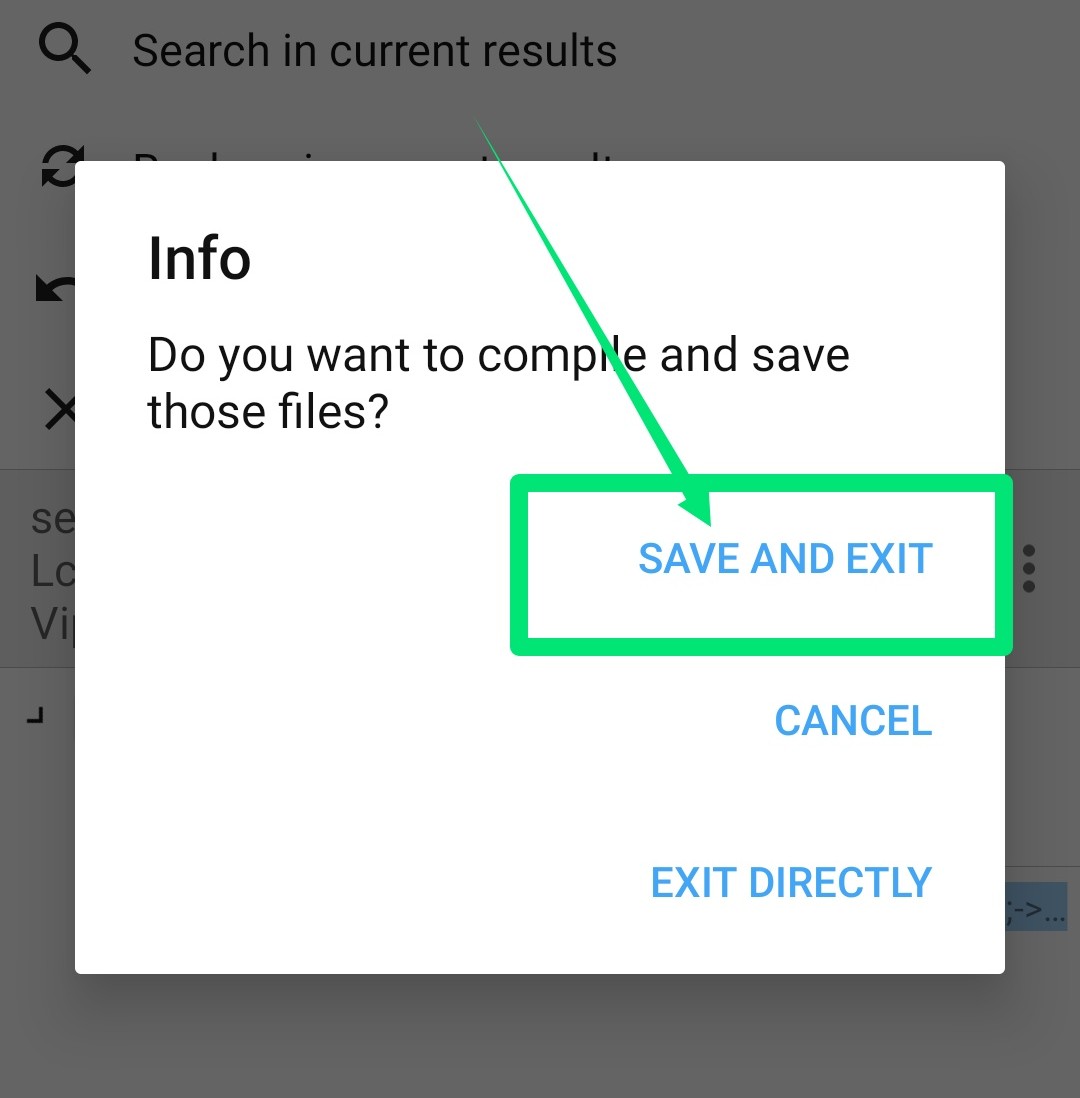
Now go back and click on Save and Exit
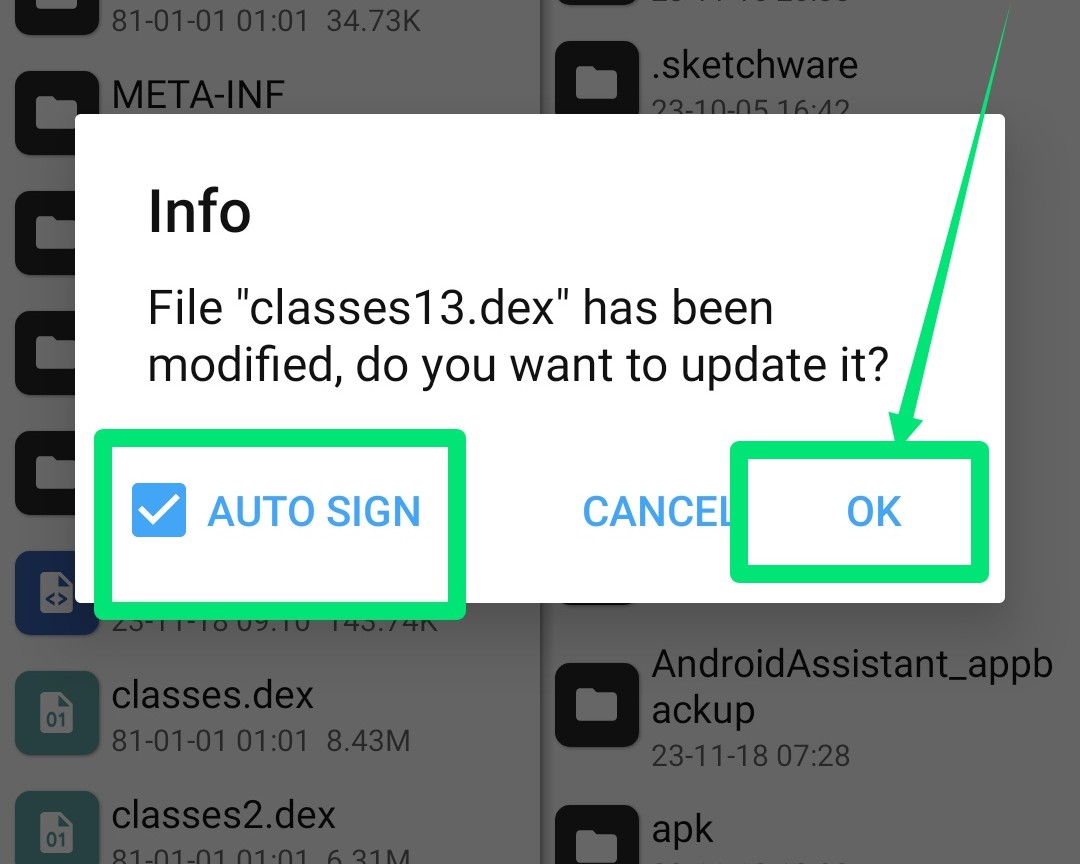
Tick Auto Sign and click Ok
Now uninstall the previous one and install it
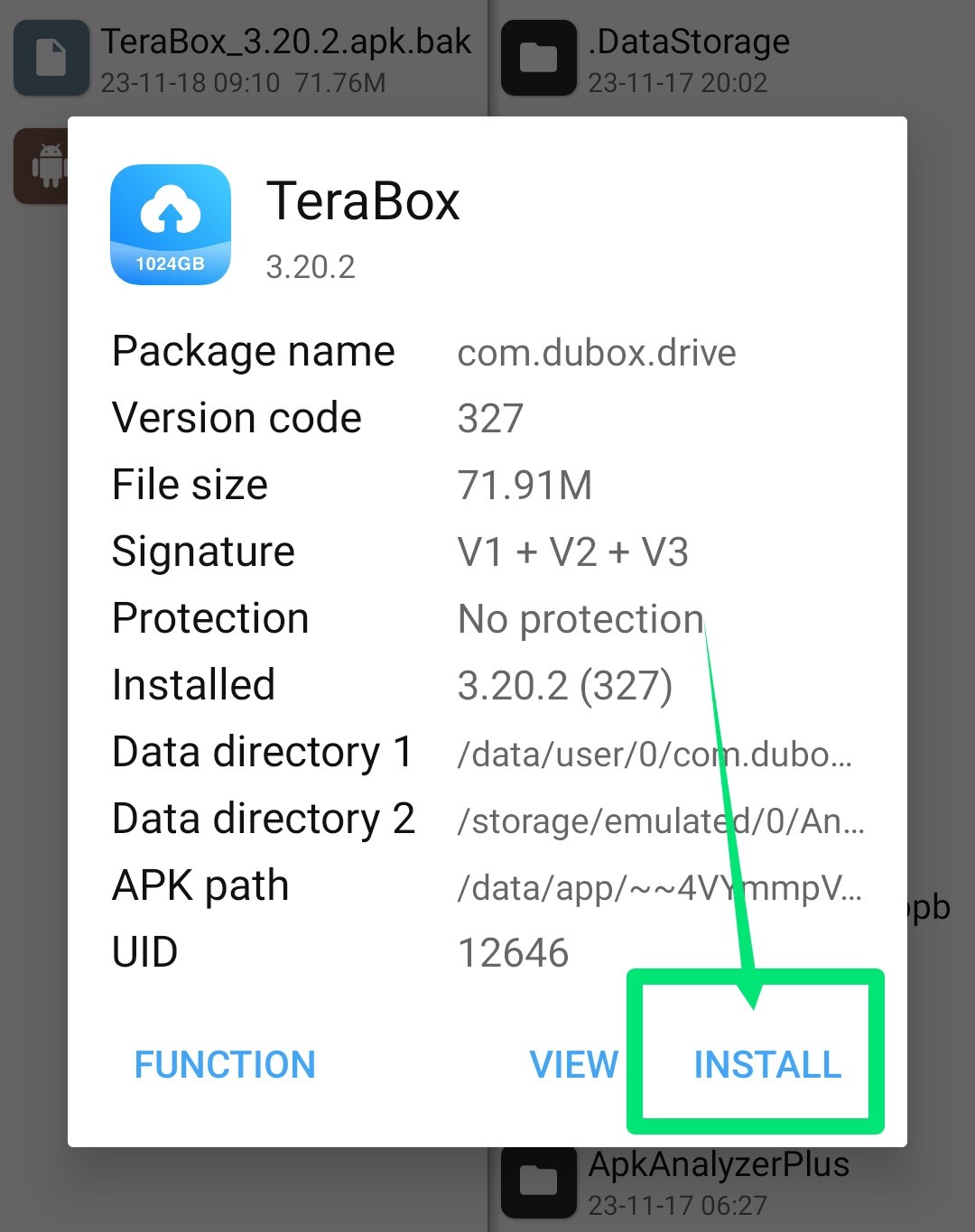
Open now
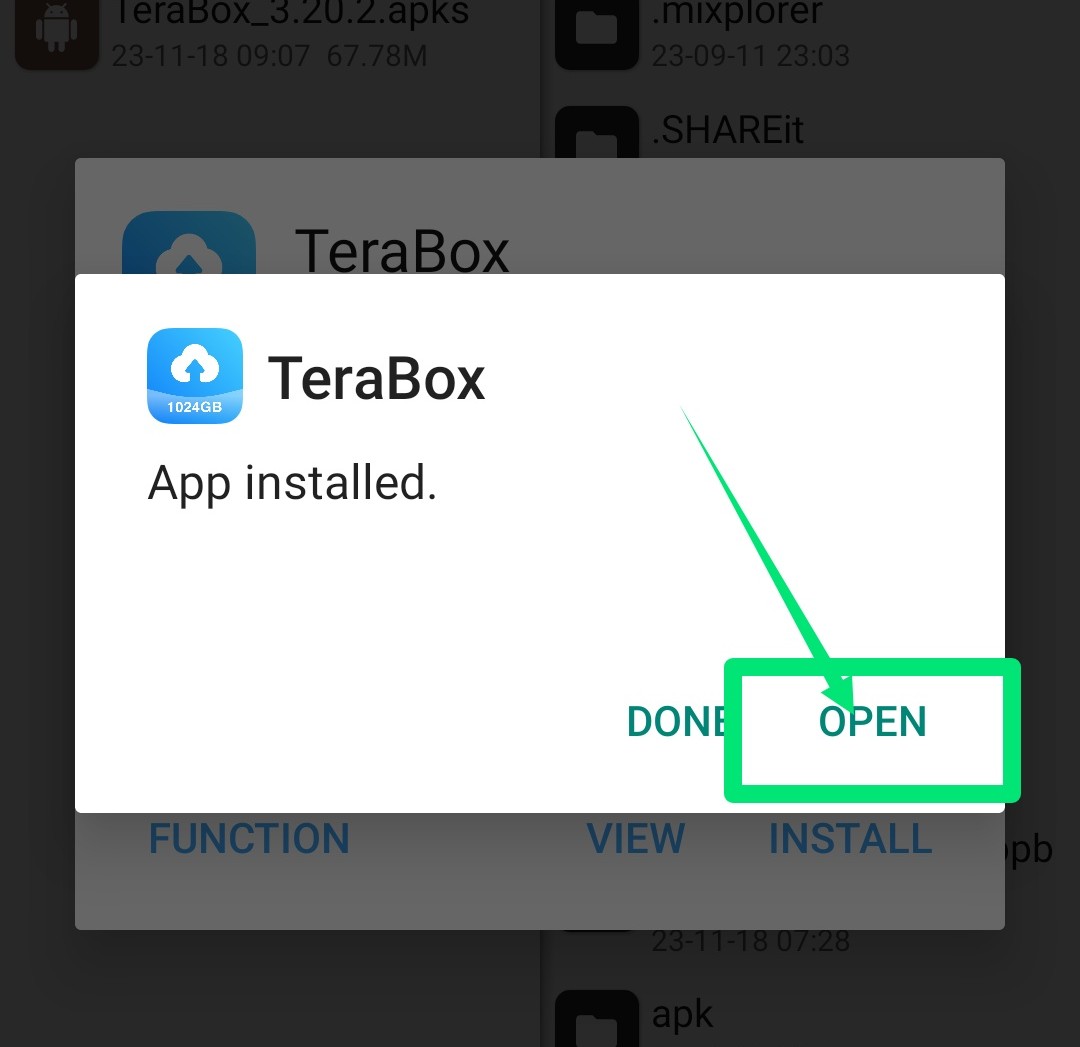
See Premium Done