Today we will see how to easily edit Filmora Video Editor App in just 2 minutes. Looking at the post, the process may seem big, but it is a very small process. Let's begin
The apps that are needed for mood will be given below the post.
First install Filmora from playstore.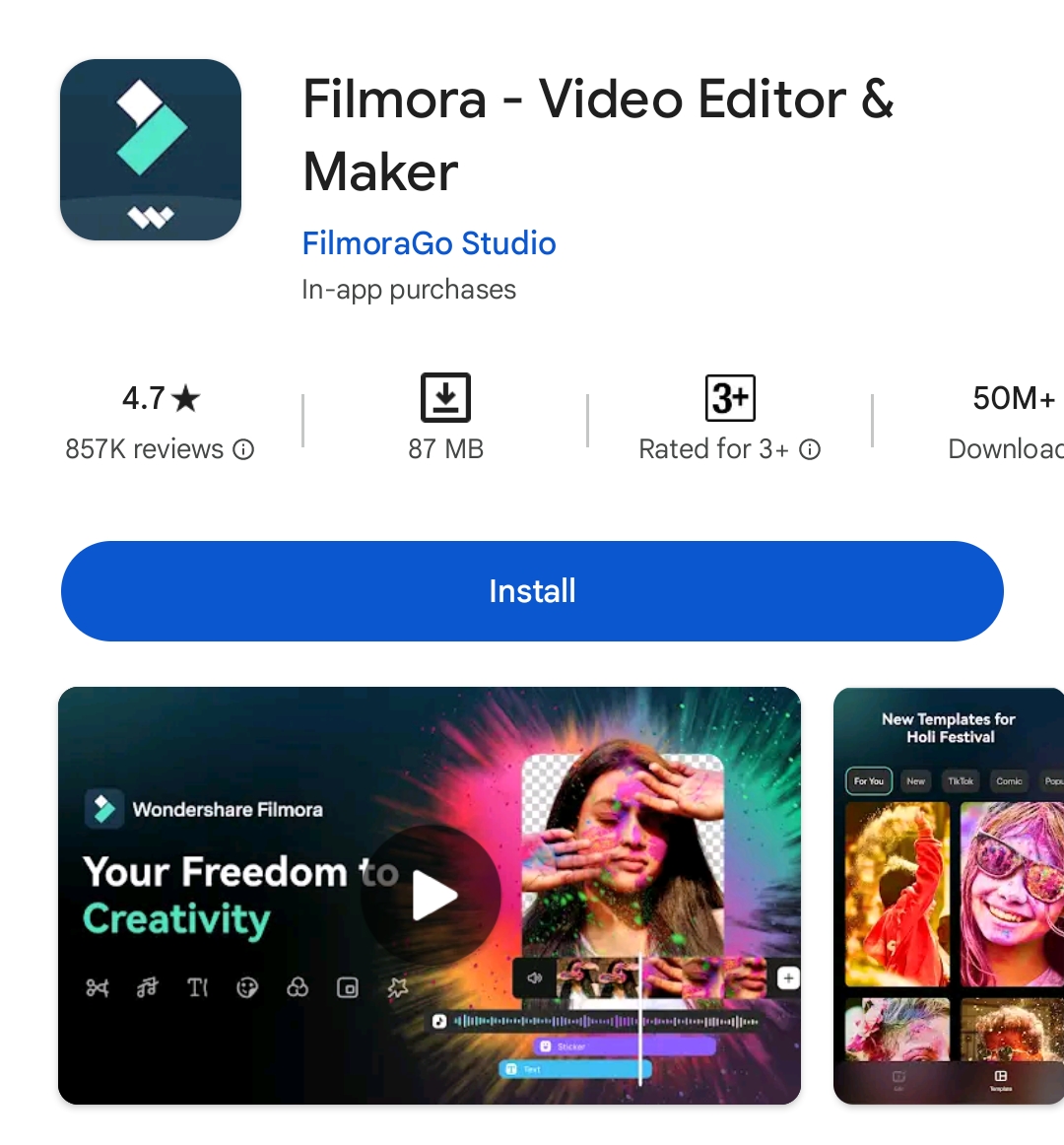
Then open MT Manager and click on the menu button on the left side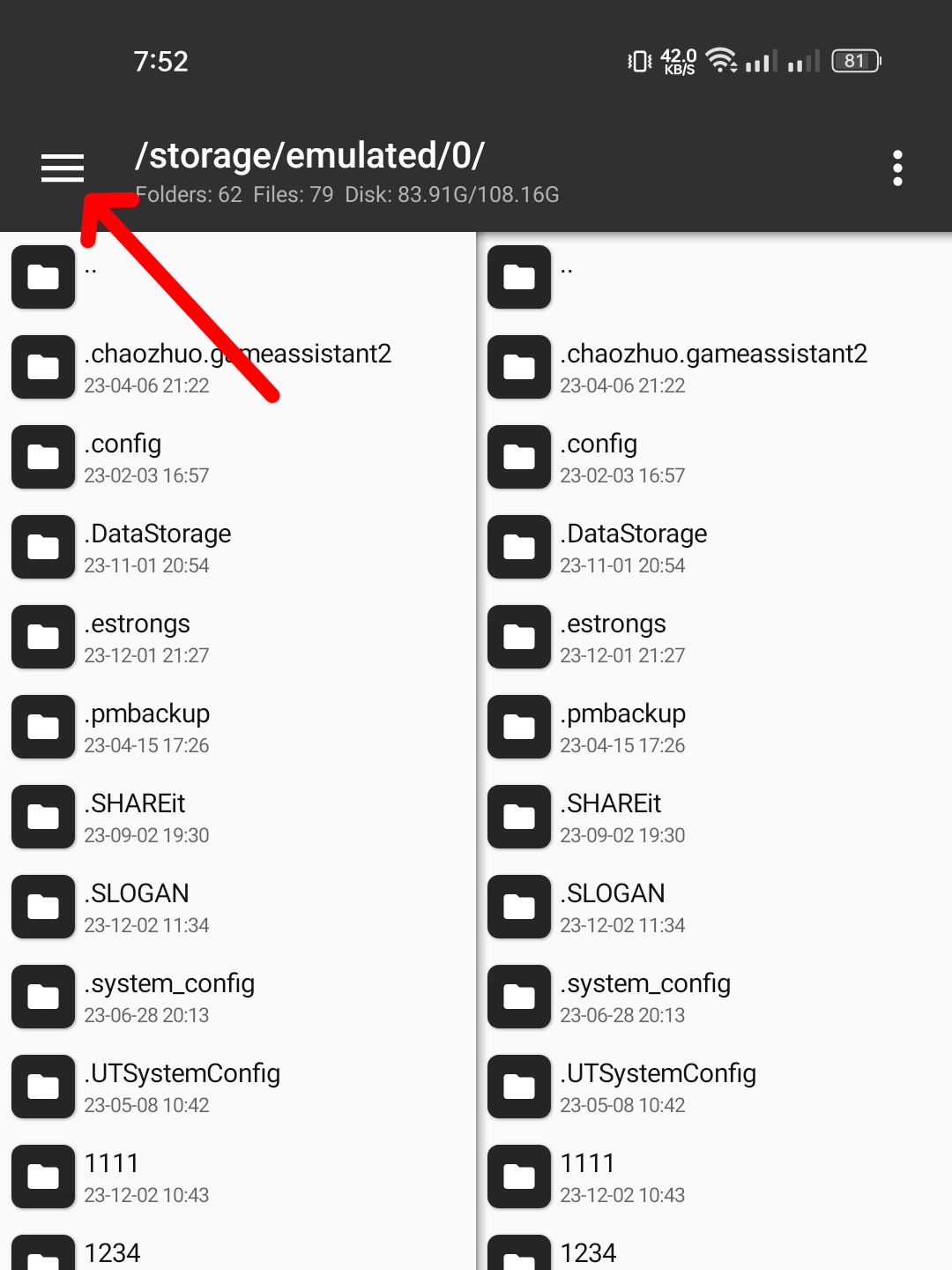
Then click on Extract APK button.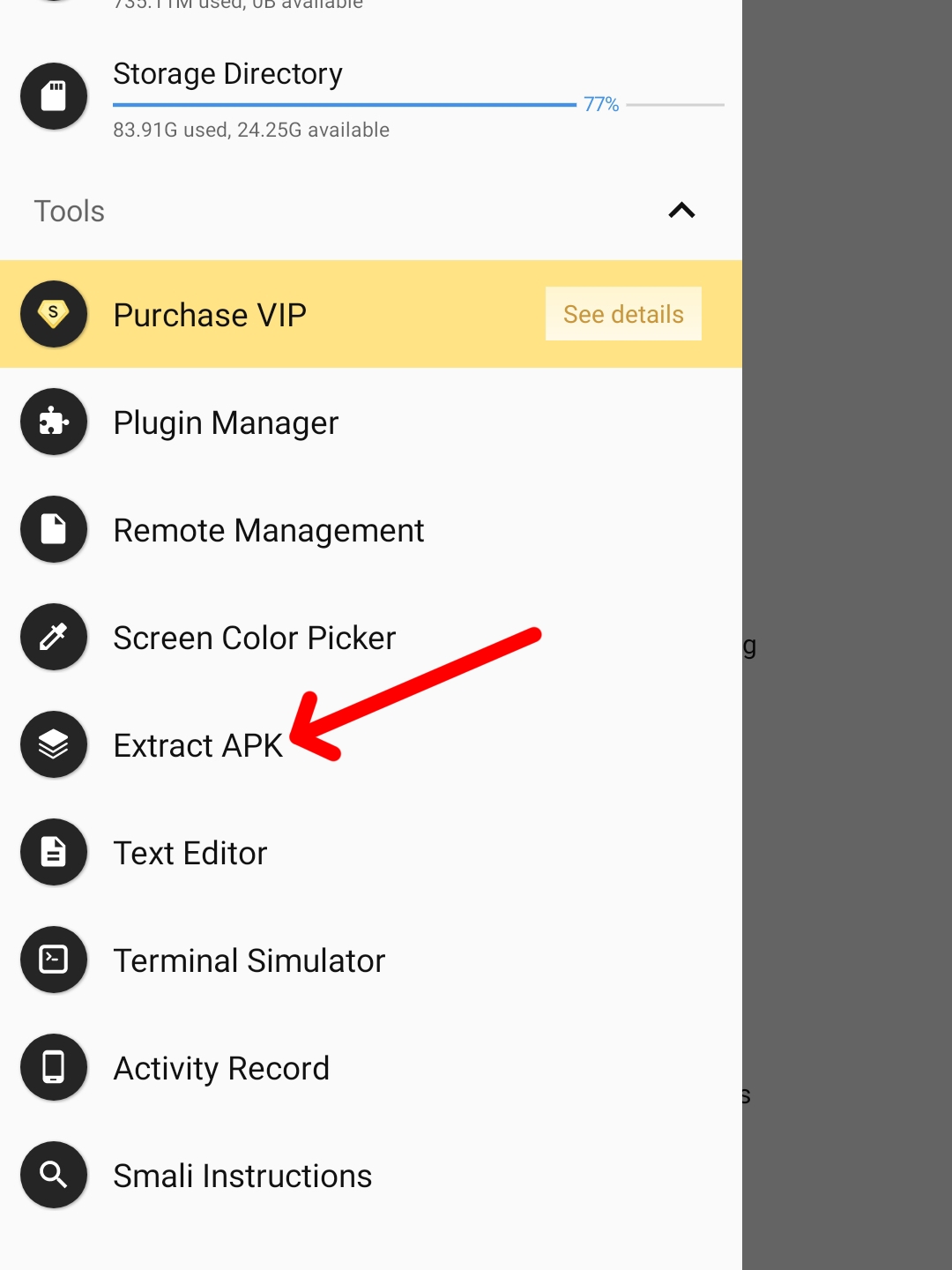
Now select Filmora App.
Then click on EXTRACT APK button.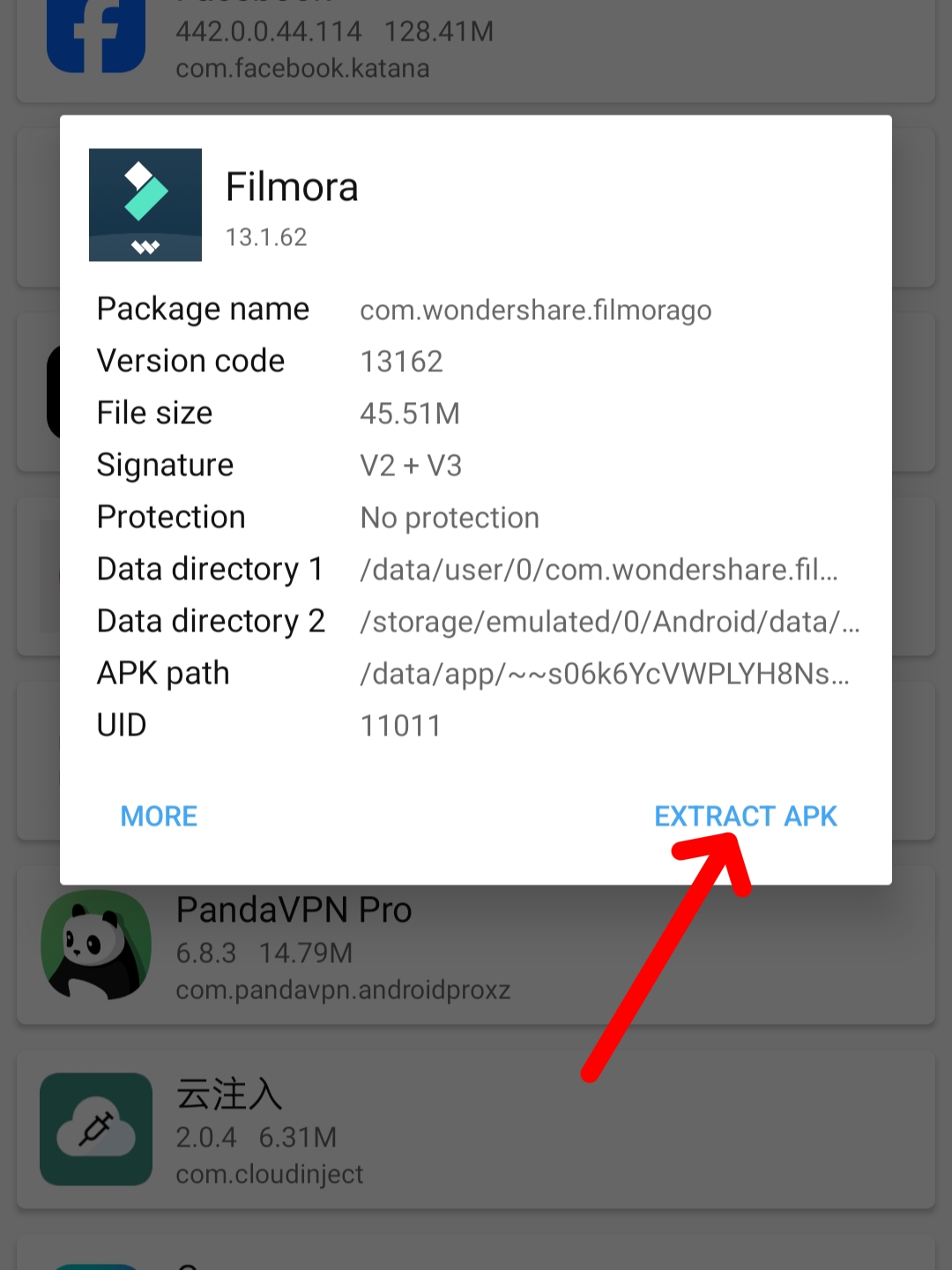
Wait for a while and then click on the LOCATE button.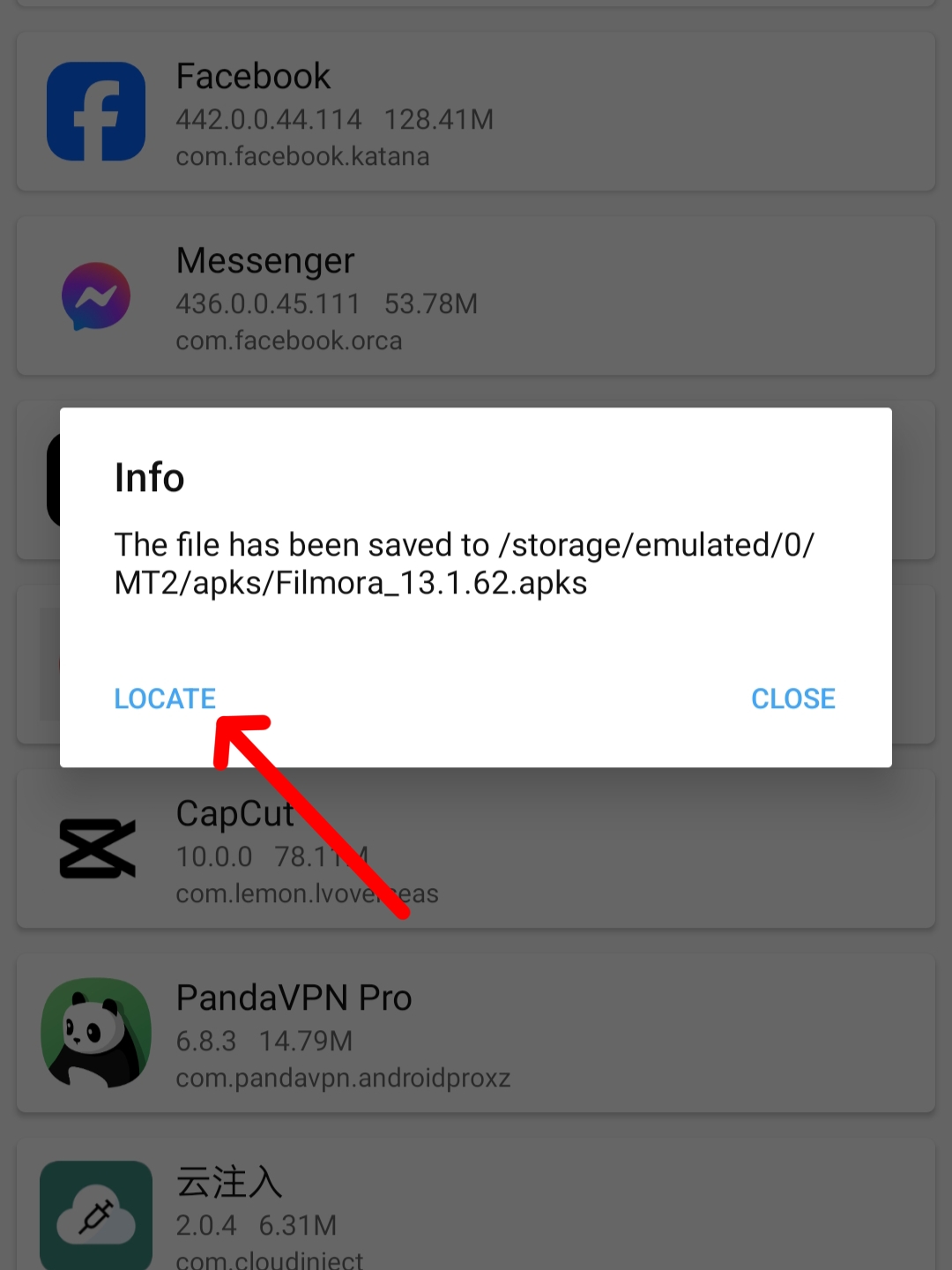
We will get the file of Filmora in apks format. (If the app doesn't open on your phone after modding, kill signature with NP Manager.)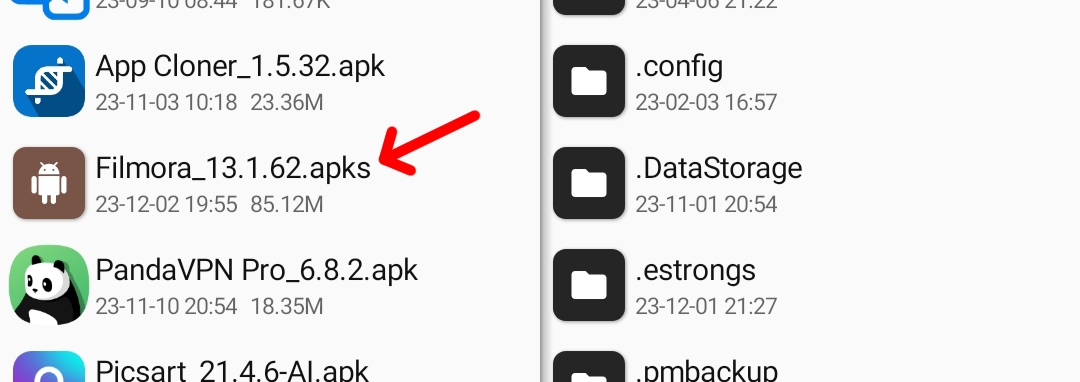
Apks file we need to make apk. We will use Antisplit VIP App to make apk. Then click on Select File button.
Then go to MT2> Apks Finder and select Filmora's apks file. Then click the Merge button.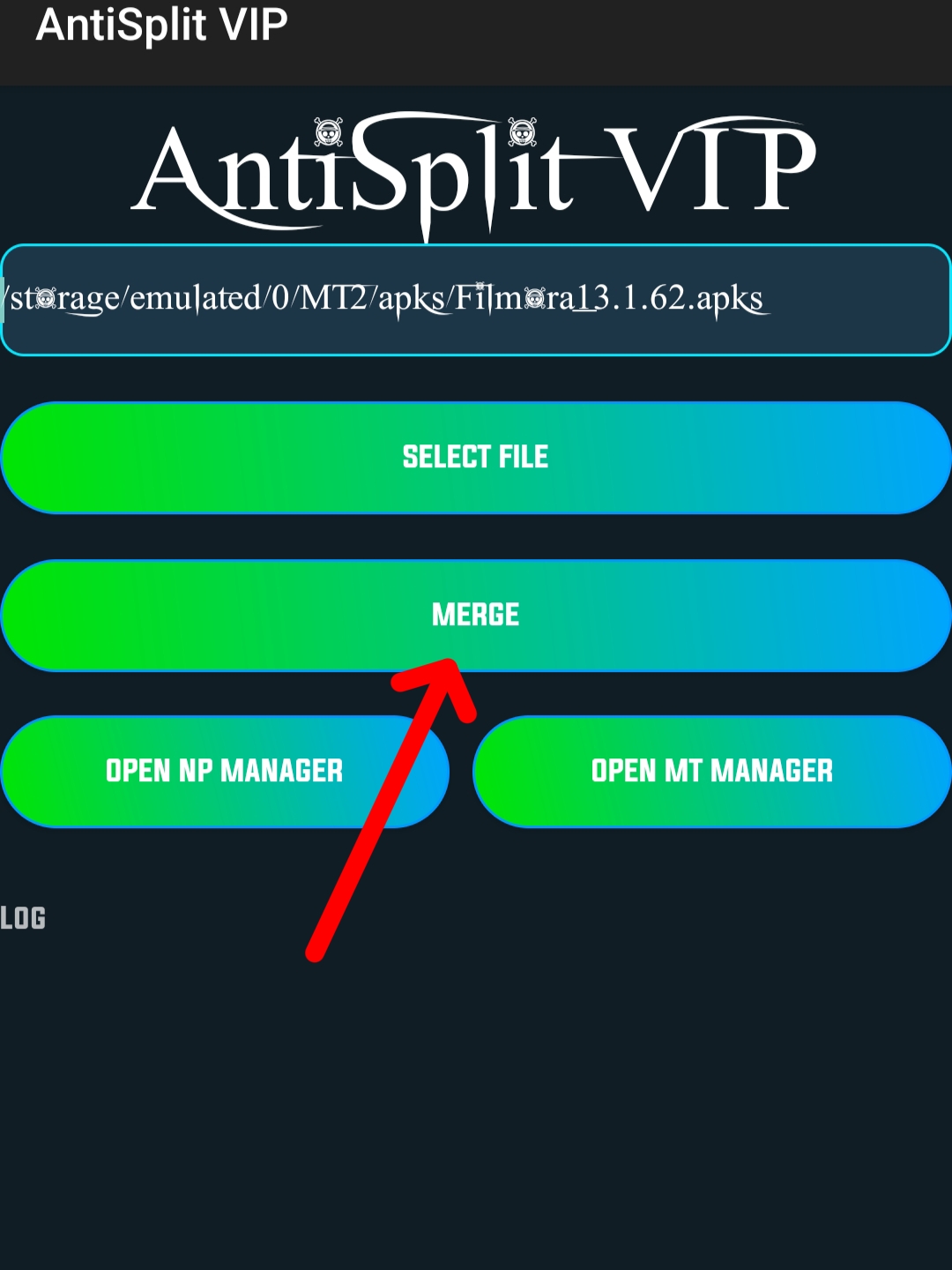
Wait for a while and then once the apk is done, we will open MT Manager and click on the apk file of Filmora. Then click on View button.
Click on any Classes.dex file here.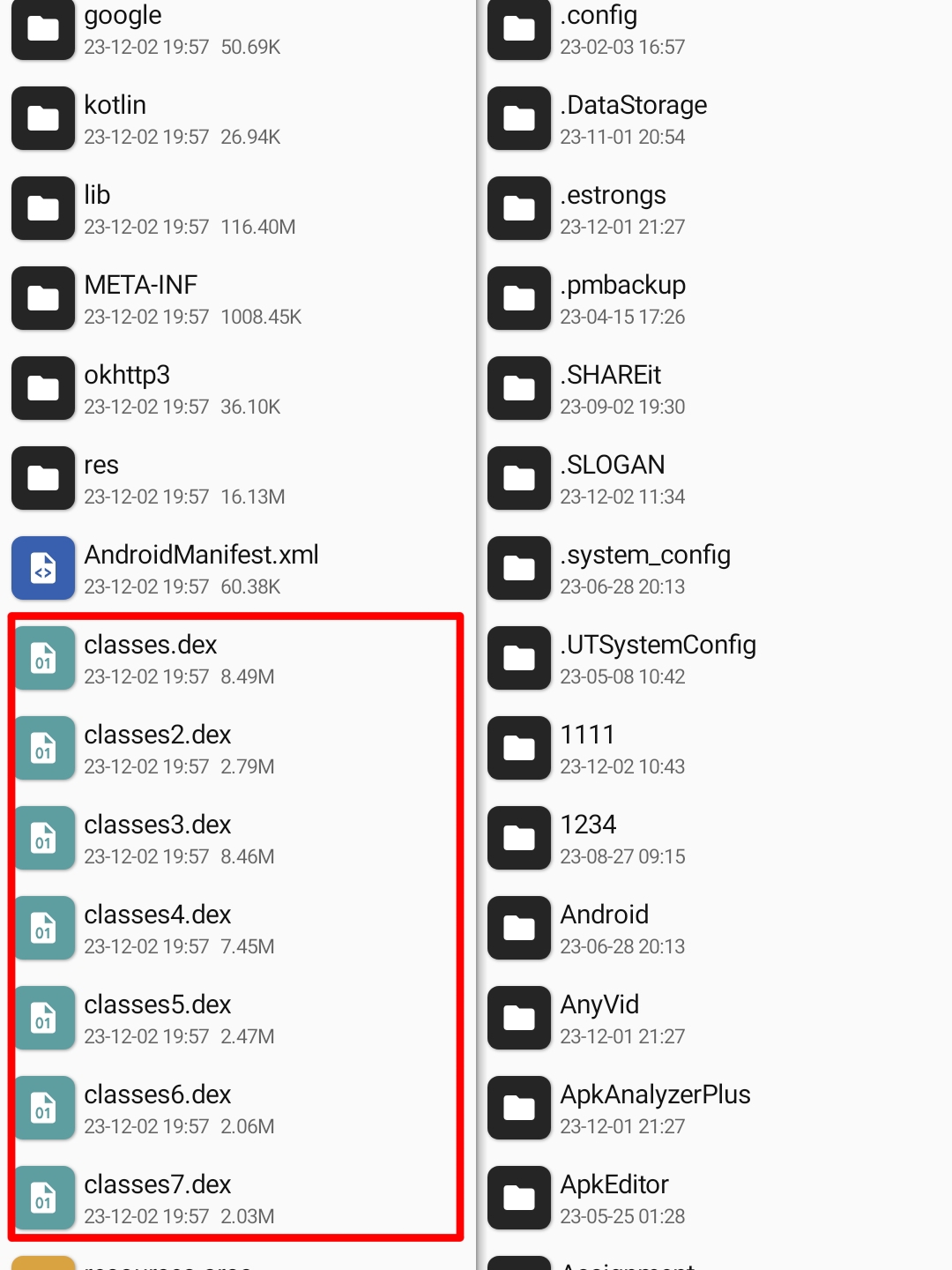
Then click on the Dex Editor Plus button.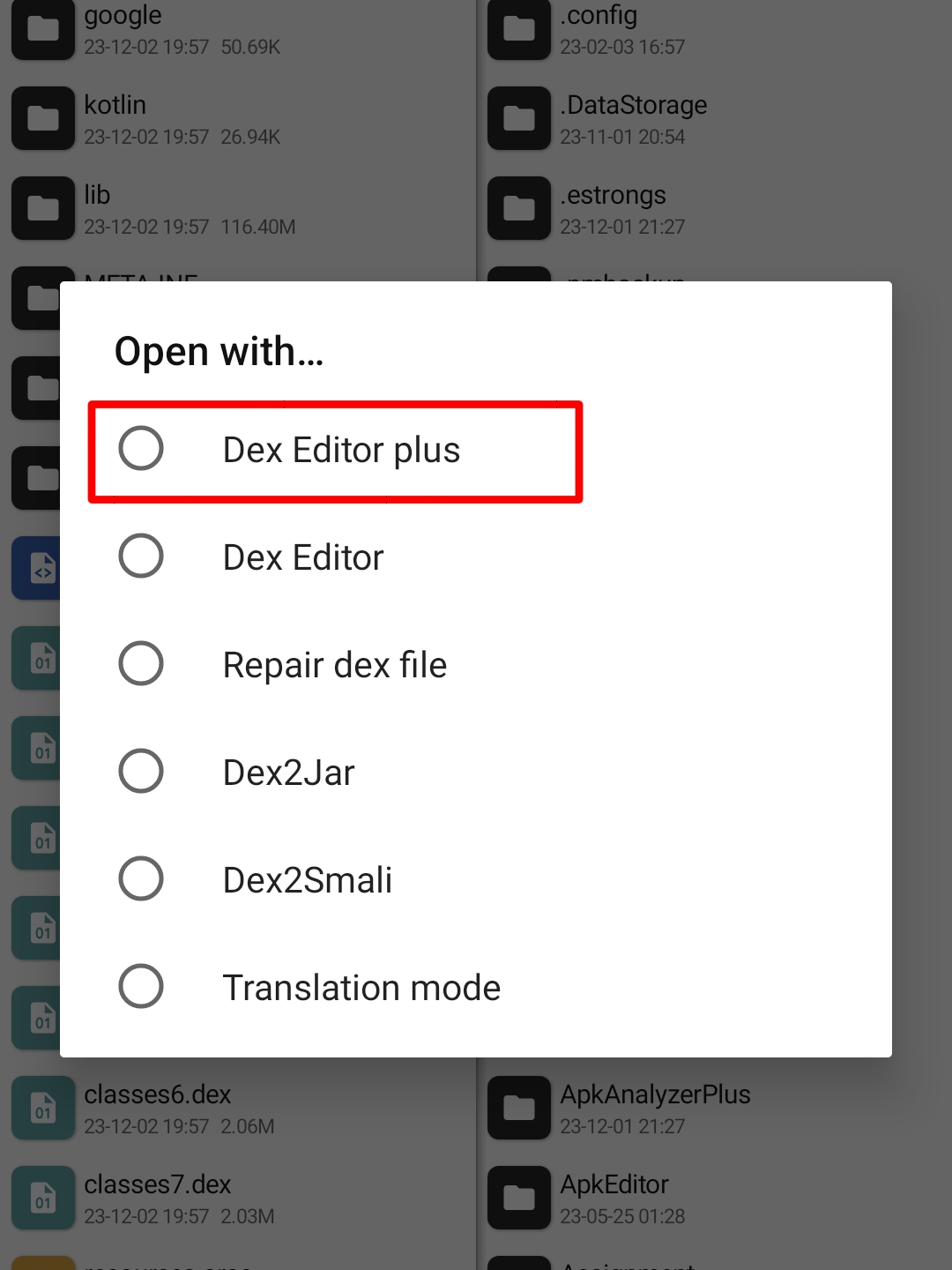
Then click on the OK button with a tick mark in the Select All option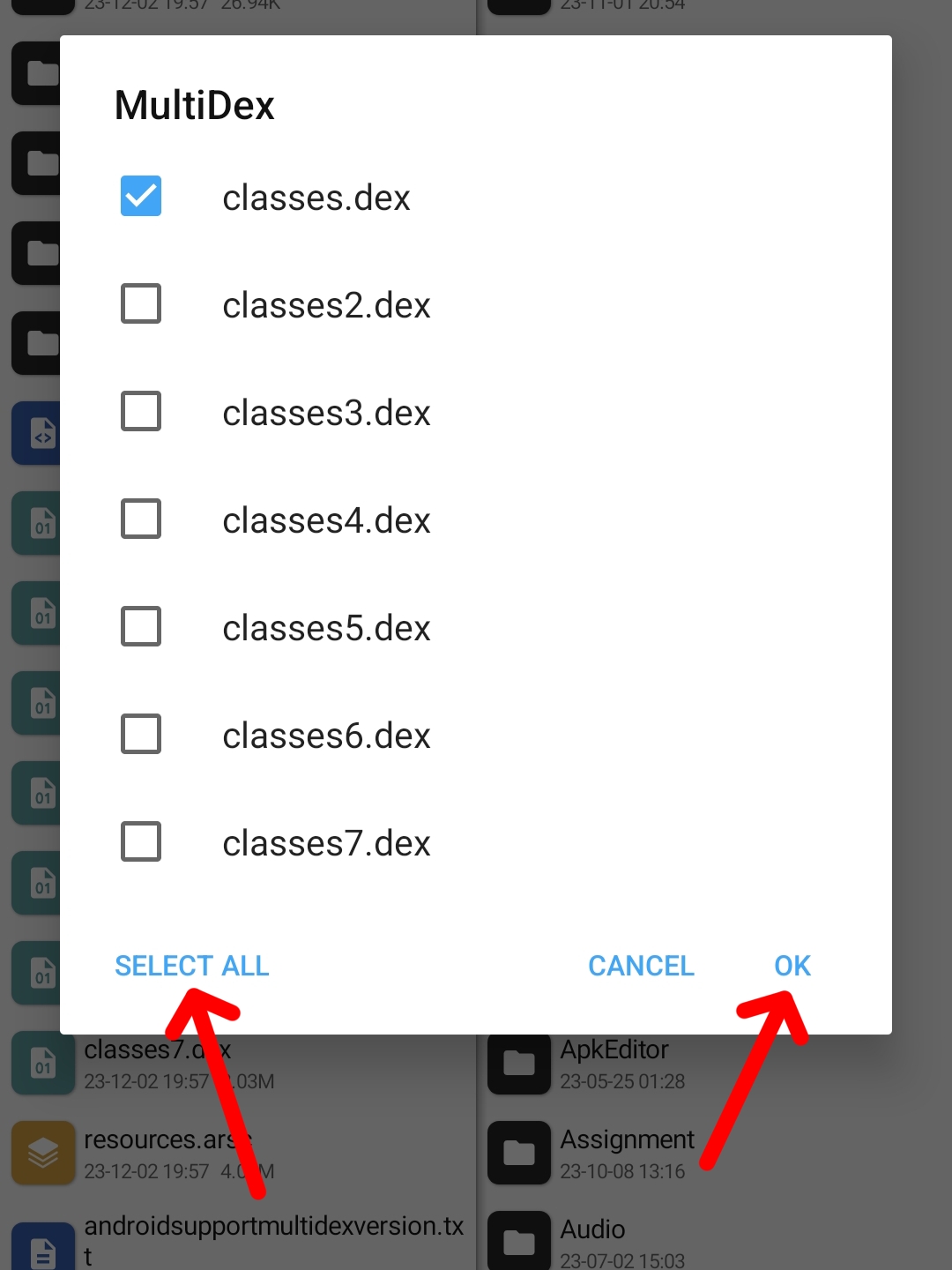
Click on the search button here.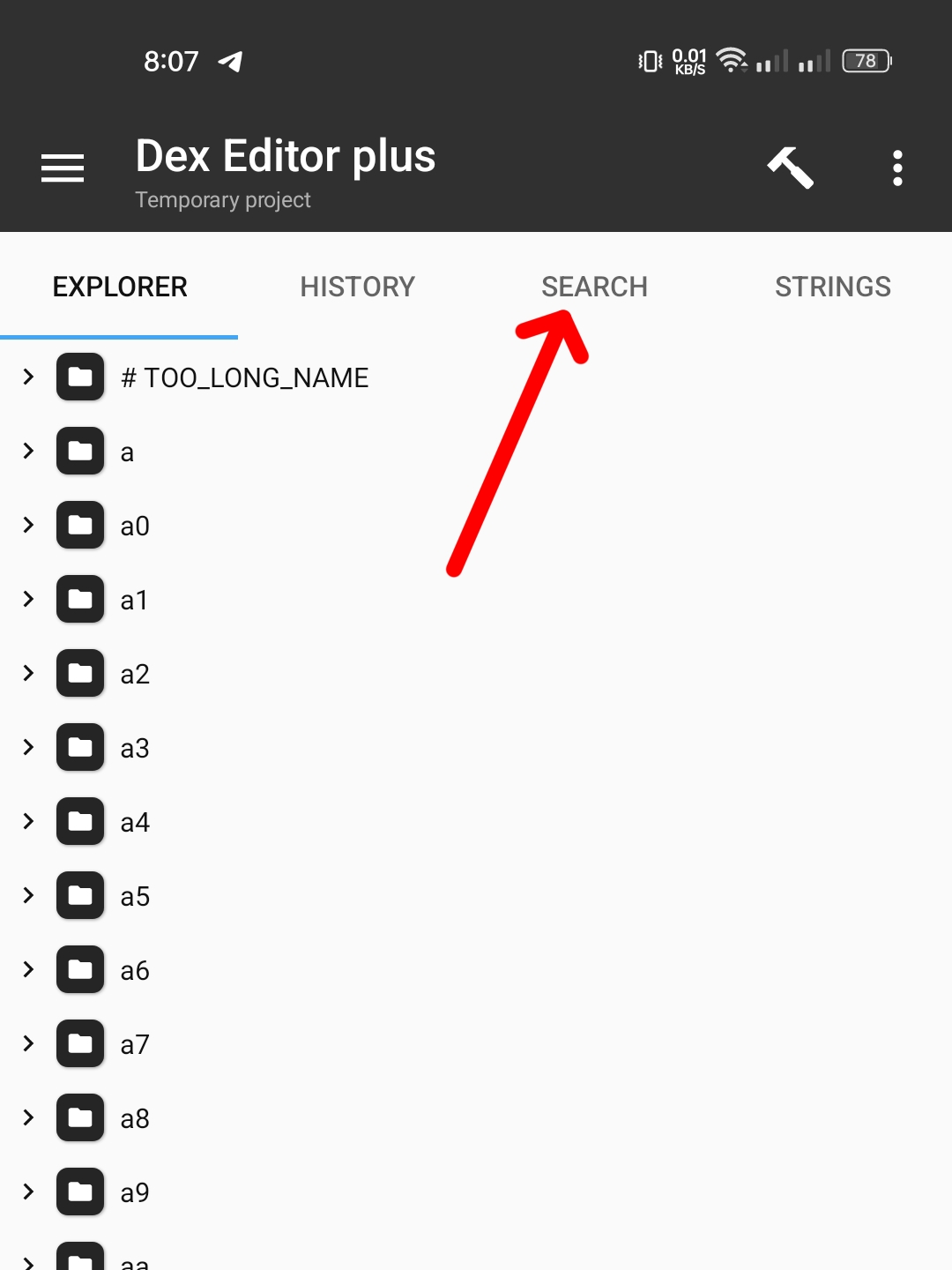
Click on Start a new search button here .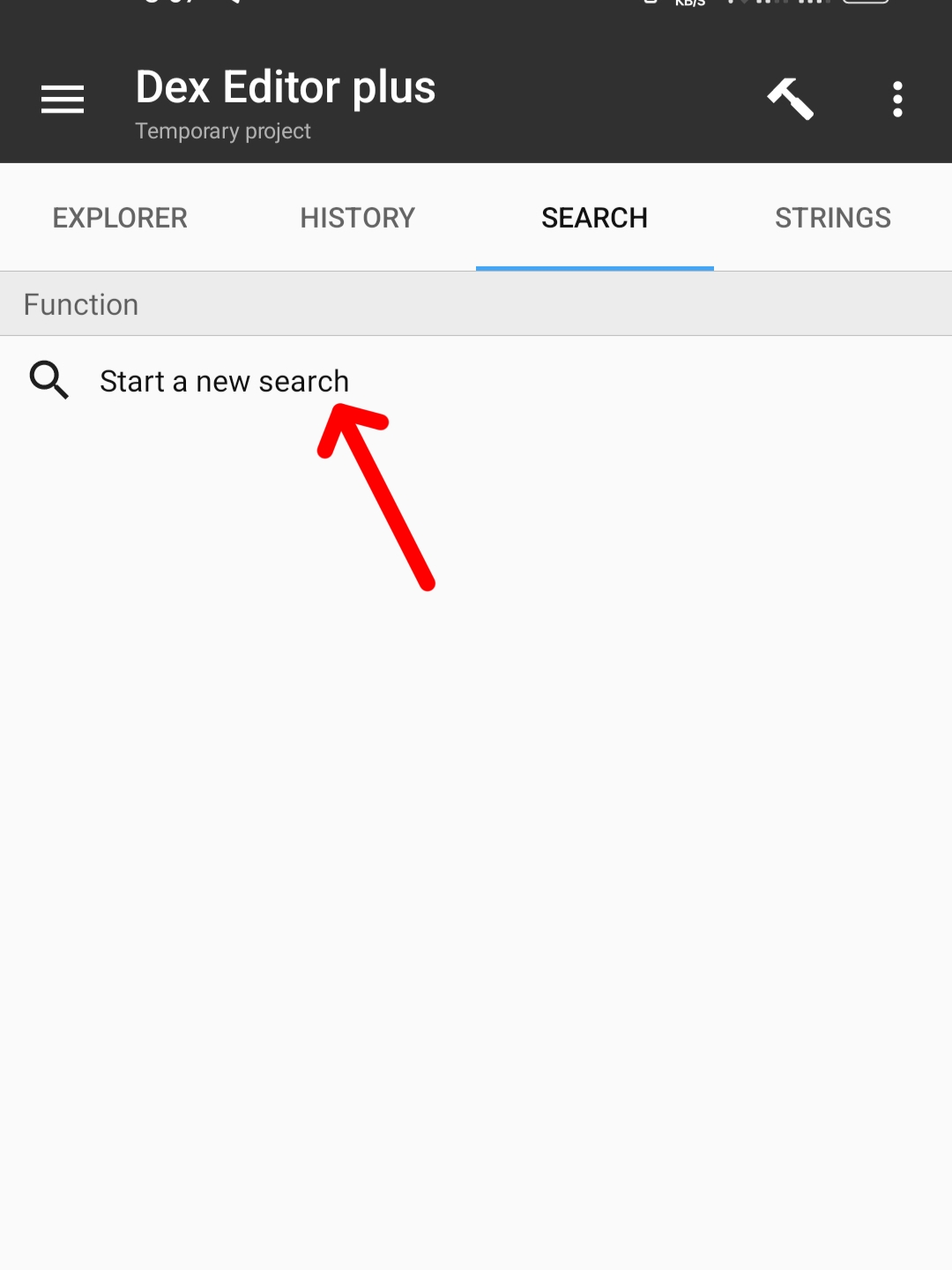
Now write "pro" in the search box. Select smali below and click the Ok button.
Then find the MyBillinglmpl entry in the list that comes. Here I will click on writing “pro”.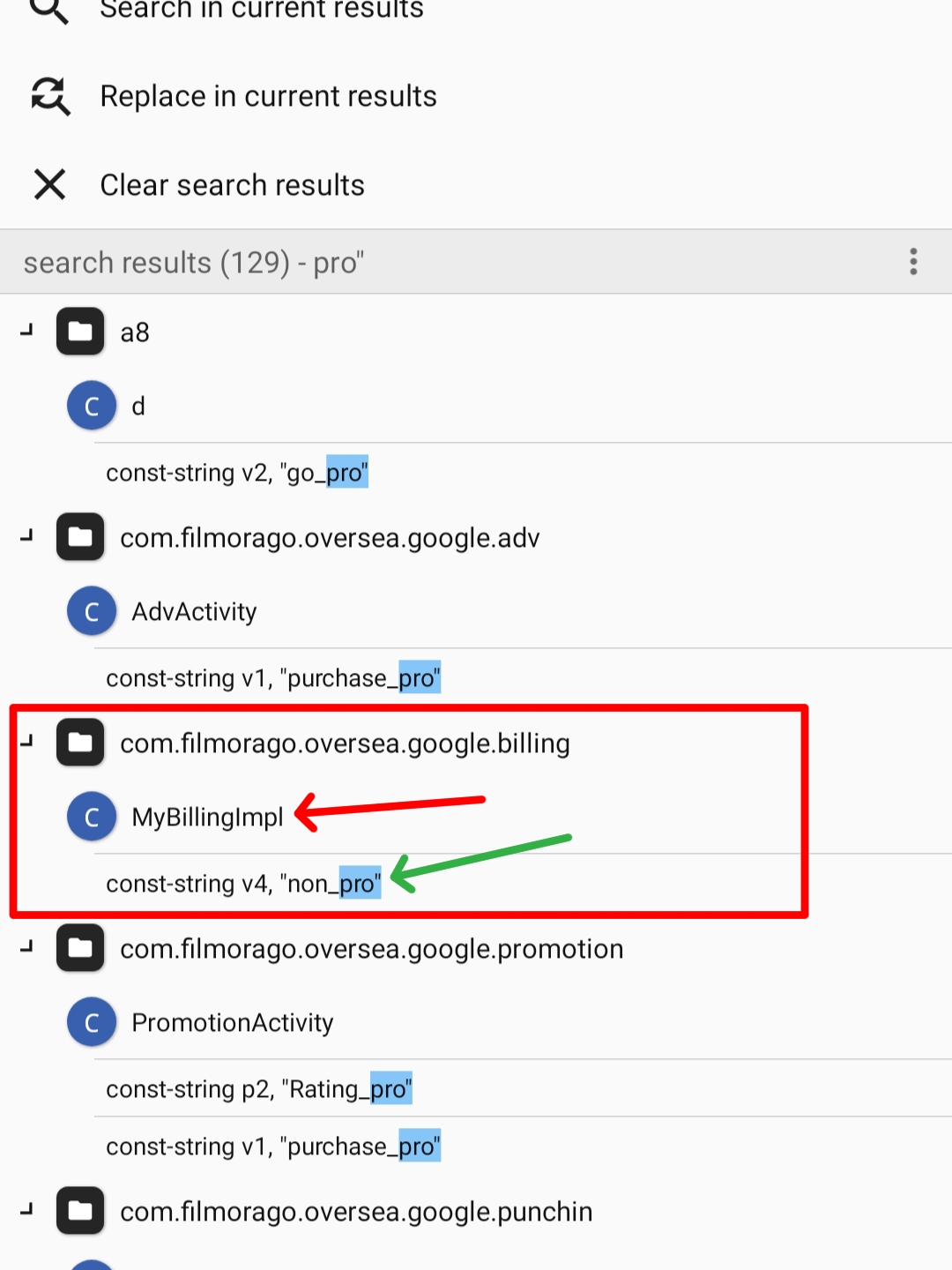
Here you will find many codes.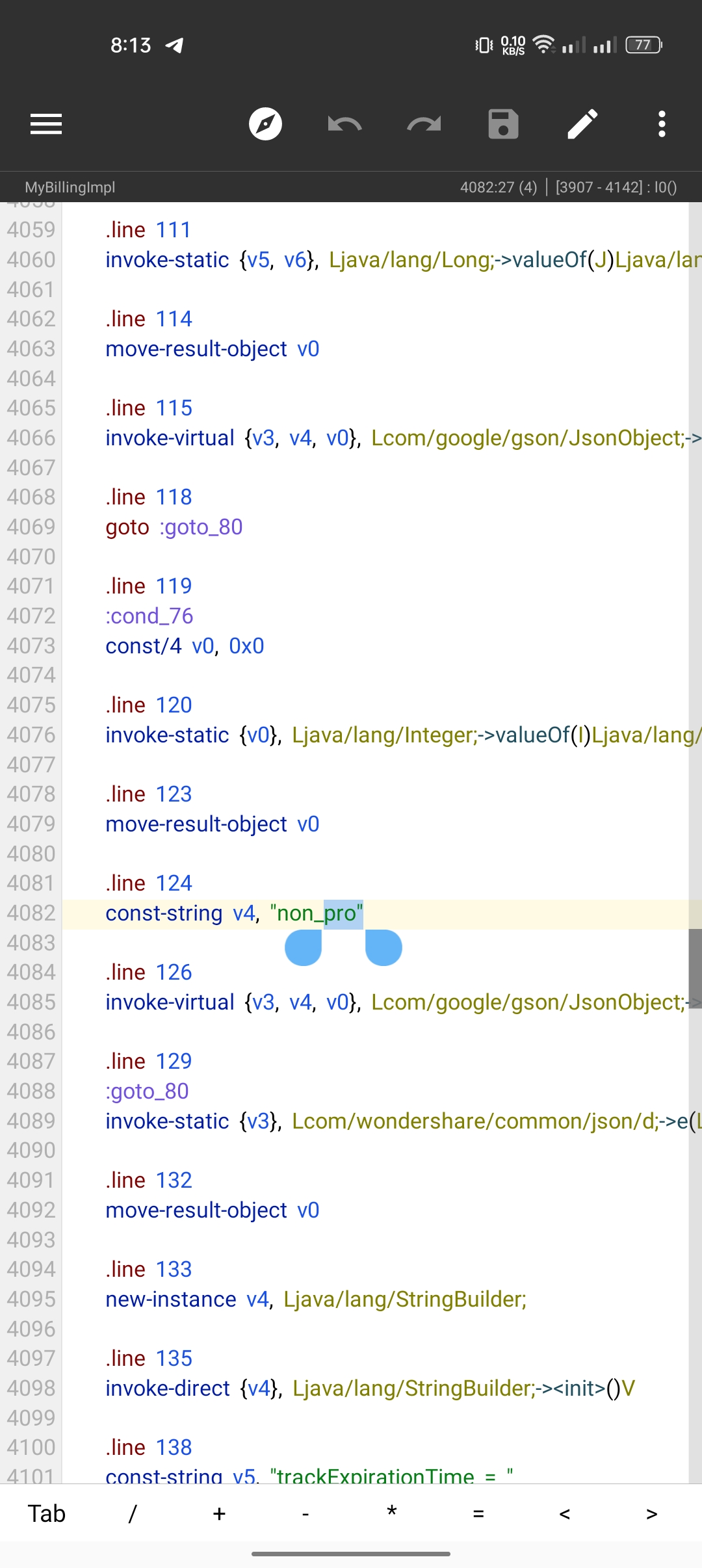
Now if we move up a bit we can see the ()z method.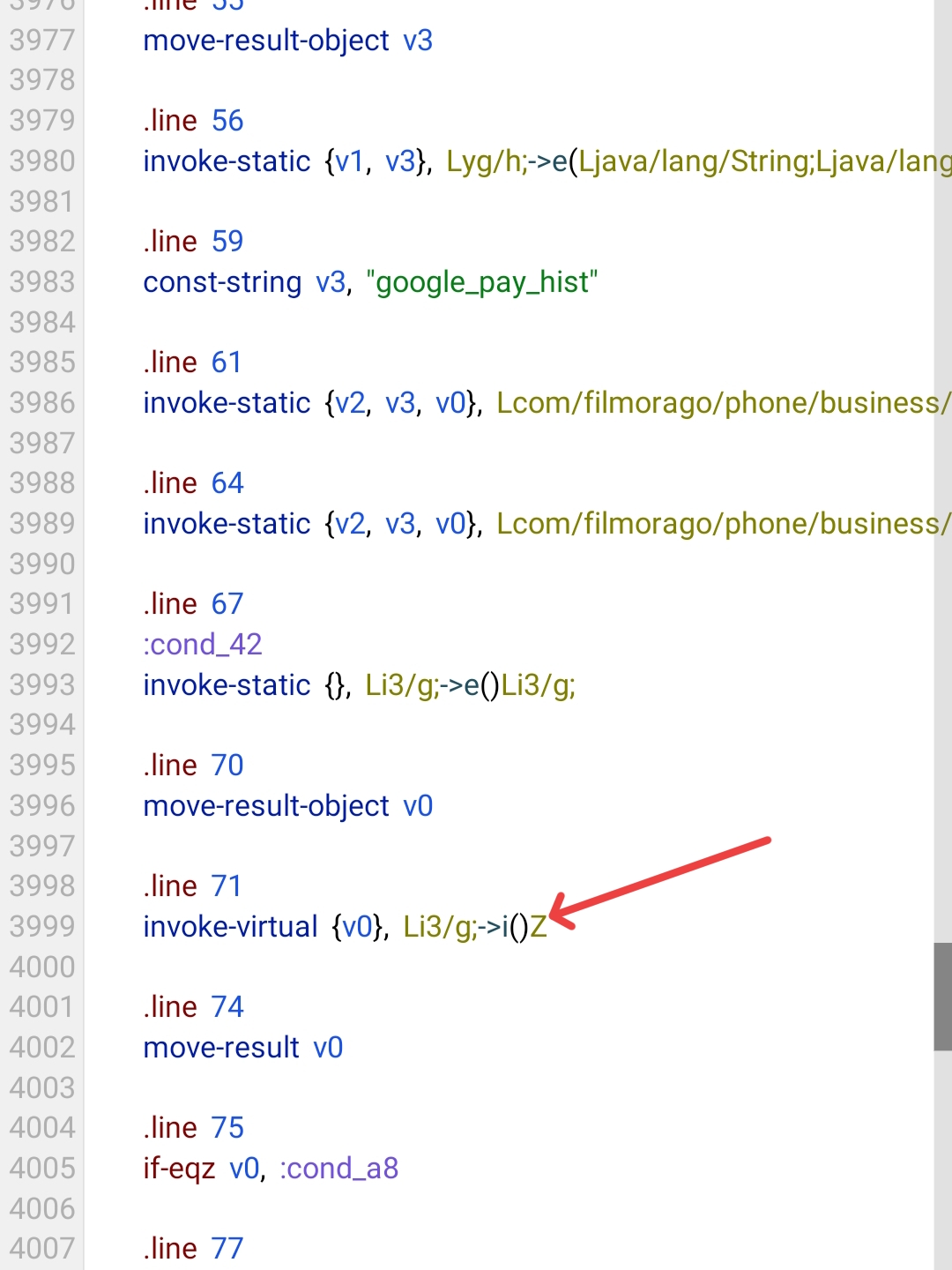
Now select ()z text and click goto button.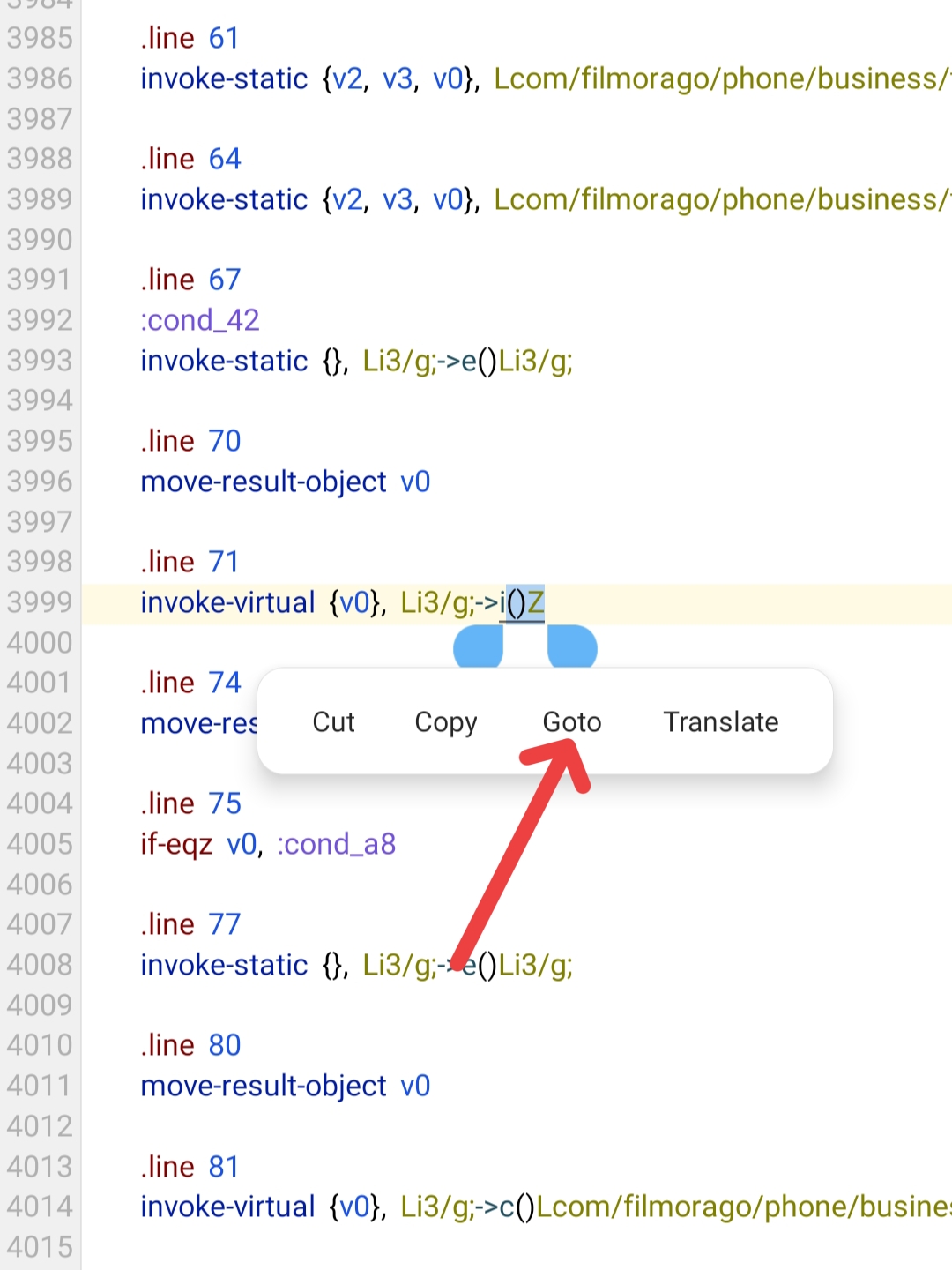
If you scroll down a bit, you will find a line called [.end method].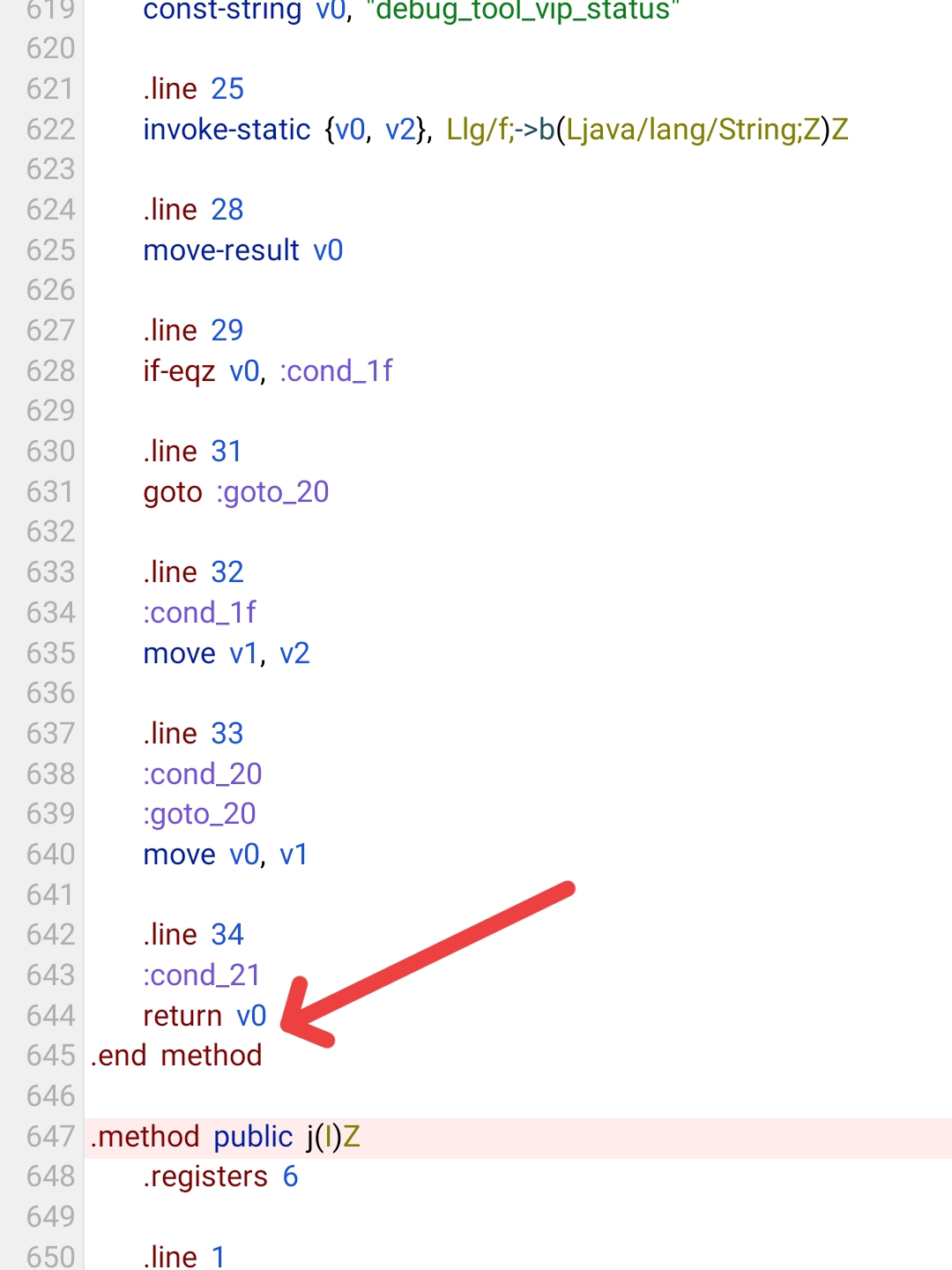
Here return v0 will give a space. And write the premium creation code there. const/4 v0, 0x1 Here v0 is given after return so we write v0 in the code. If there is any other letter instead of v, you will use that letter.
Now click the Save button to exit.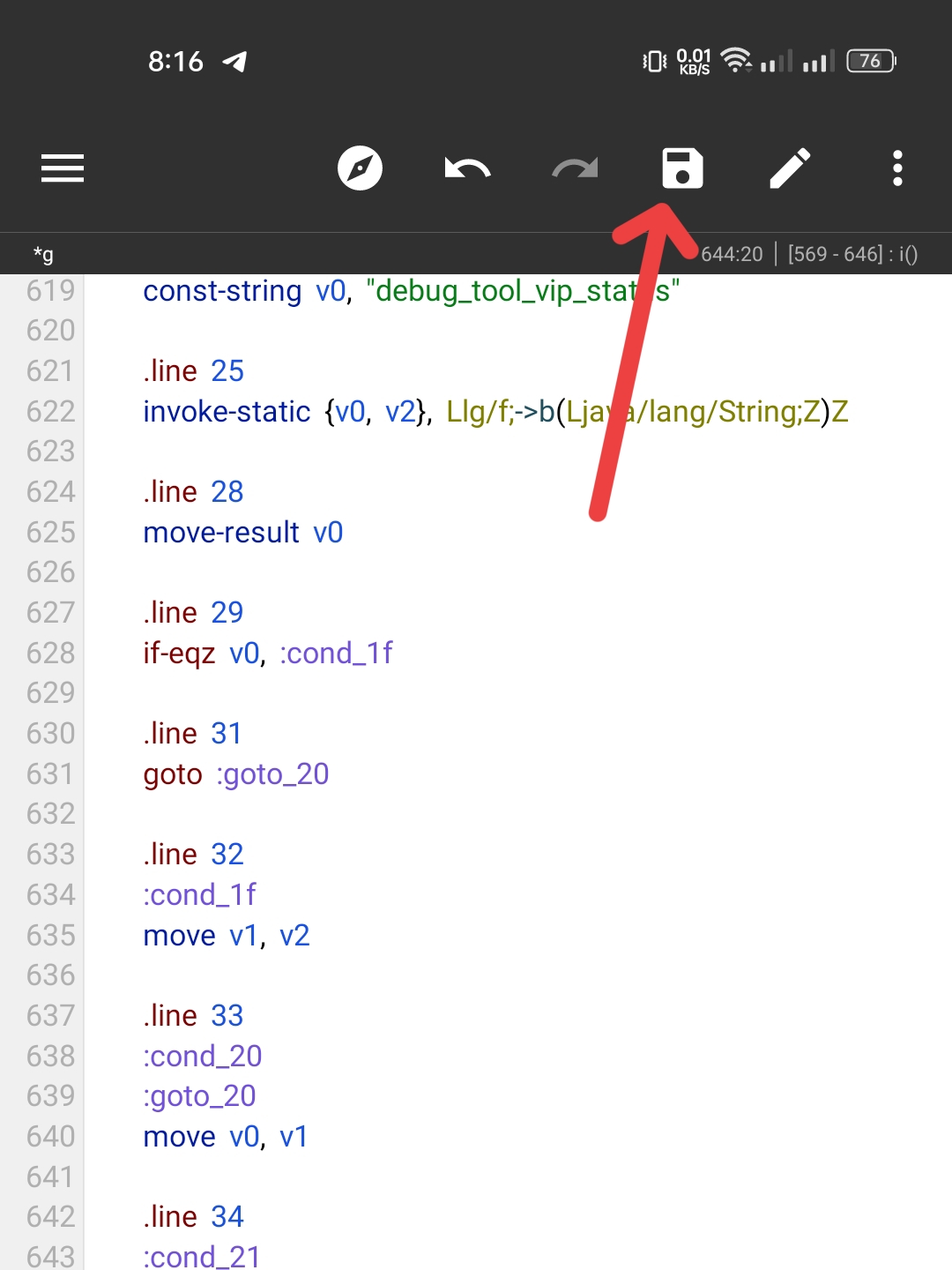
Then click on the menu button in the upper right corner and click on the Exit button.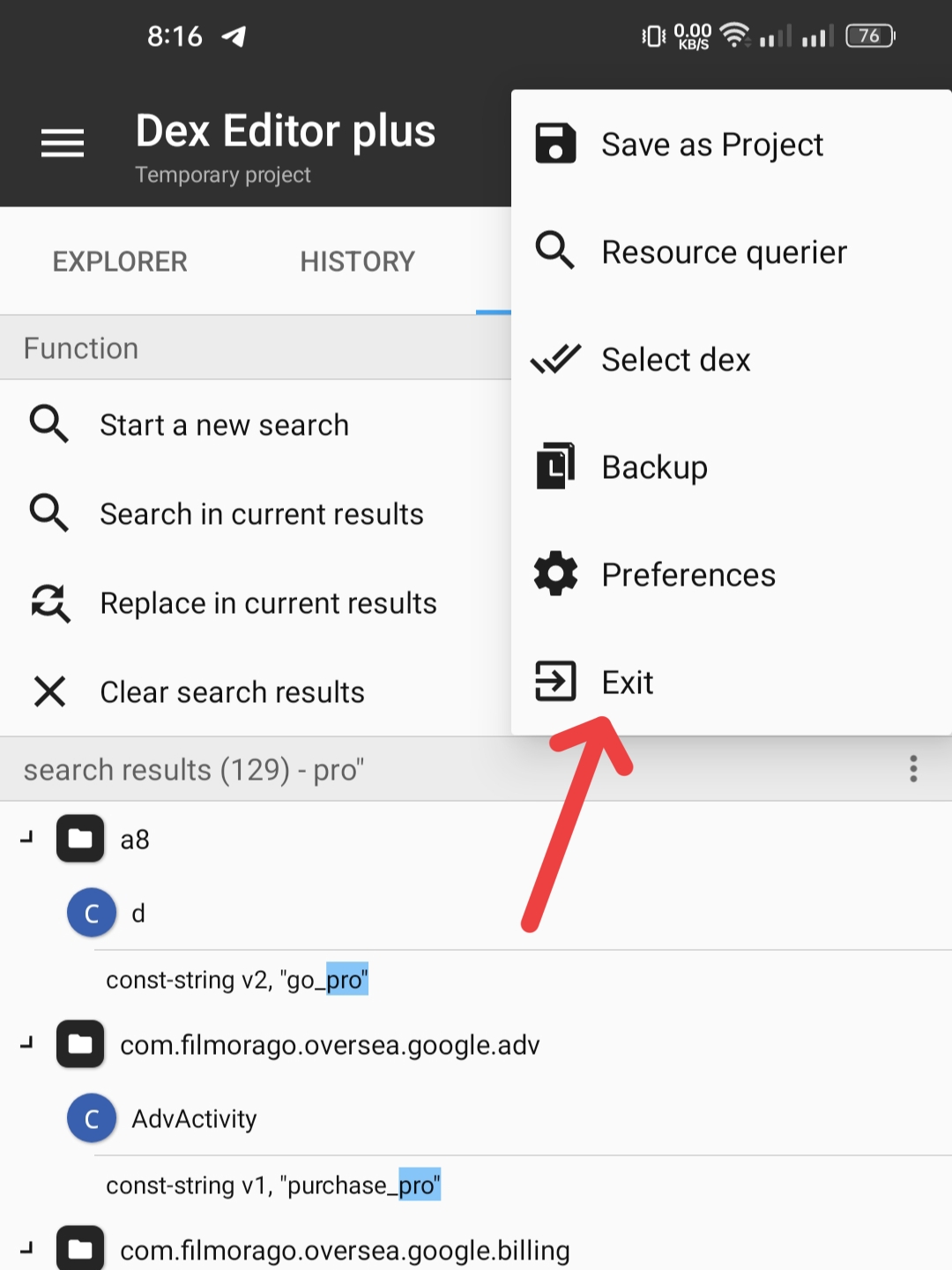
Here, tick the AUTO SIGN button and click the Ok button.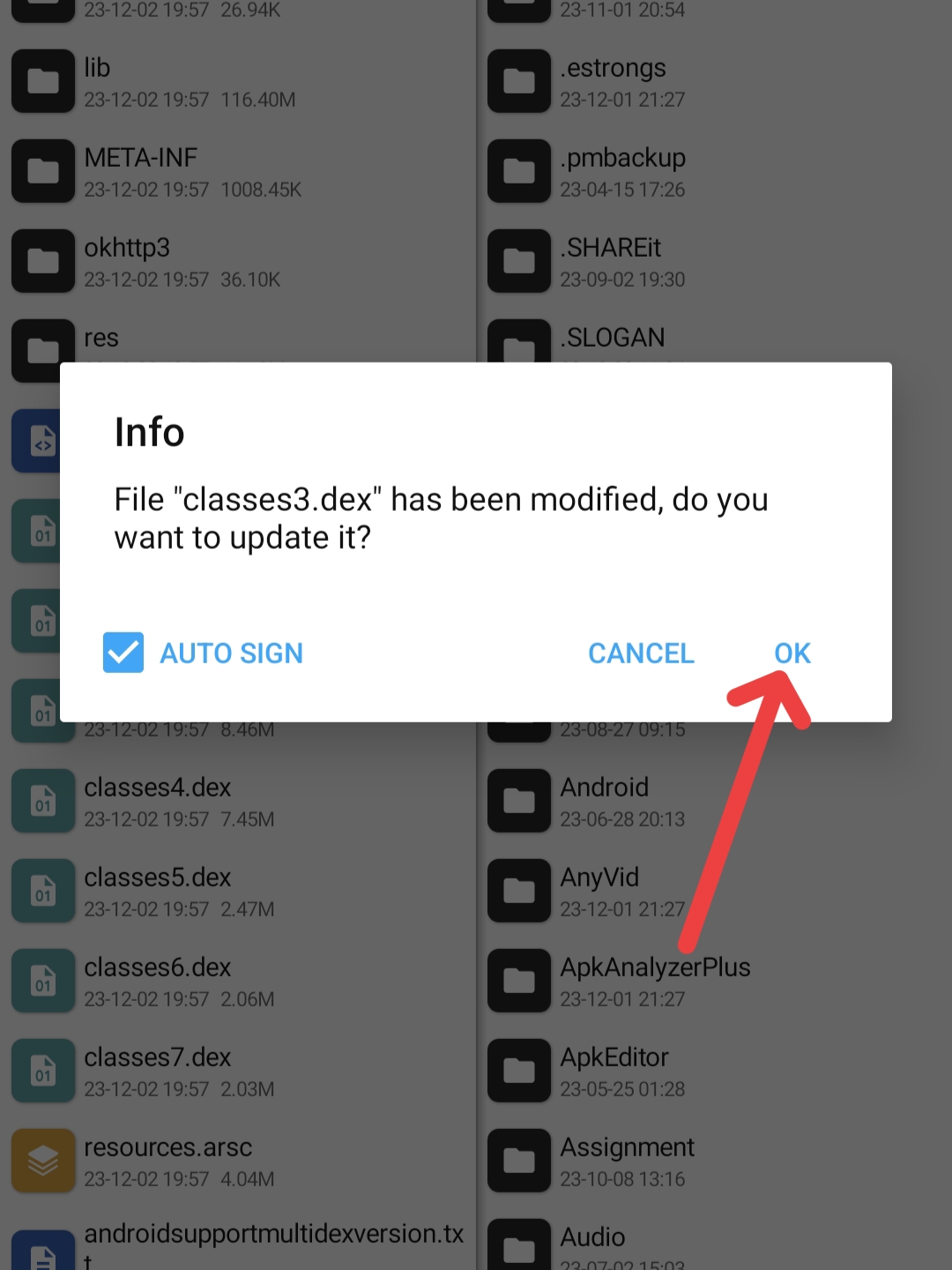
Then I will close what comes.
Only then will our mood be complete. Now we will install the file of Filmora. Only then will you see all premium features unlocked.
